
Shared Maps Versus Email for Better Group Trips
November 5, 2026
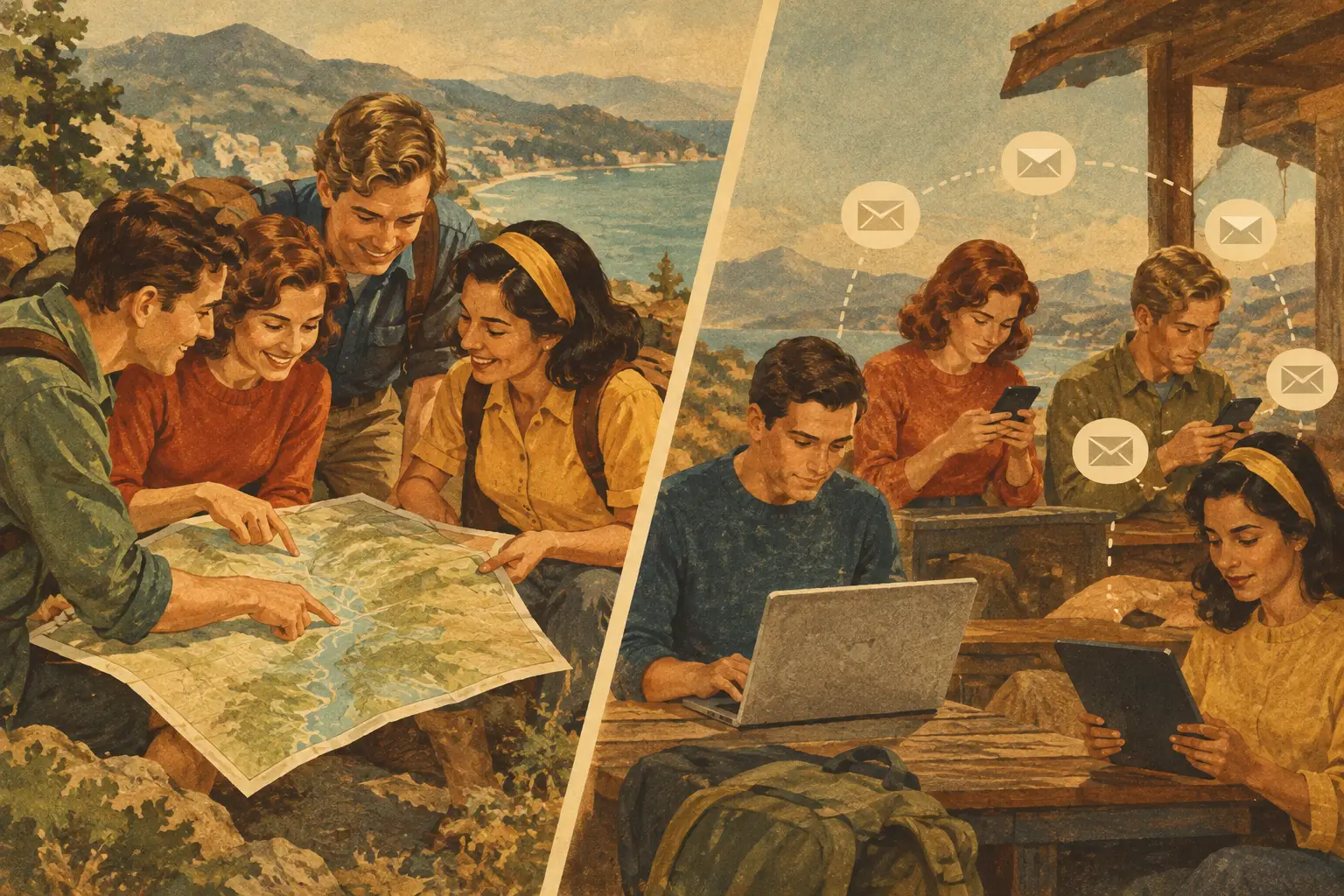
A friend drops a restaurant pin in the group chat. Someone else forwards a hotel confirmation. A third person emails a screenshot of a hiking trail, then asks which airport everyone is flying into. By the time departure day arrives, the fun part of the trip is buried beneath a very long email thread.
That is the real difference in shared maps versus email for travel. Email can hold information, but a shared map gives that information a place, a route, and a moment in the trip. For couples, families, and friend groups planning from their phones, that context can turn scattered logistics into a trip everyone can actually follow.
Shared Maps Versus Email: What Changes on a Trip?
Email is built for messages. Shared maps are built for movement. Both have a role in travel planning, but they solve different problems.
An email thread can preserve a booking confirmation, an address, or a conversation about whether a museum is worth the ticket price. It is useful for receiving official records from airlines, hotels, rental car companies, and tour operators. The problem starts when the group needs to act on all that information at once.
A map answers the questions travelers ask while they are on the move: What is near our hotel? Is this coffee shop on the way to the train station? Can we fit the rooftop bar in before dinner? Which trailhead are we using tomorrow morning? Instead of scrolling through inboxes, everyone can see stops in relation to each other.
For a three-day city break, that means grouping brunch, galleries, and dinner around the same neighborhood. On a road trip, it means seeing fuel stops, scenic overlooks, cabins, and grocery stores along the actual route. For a hiking or biking weekend, it means knowing where the trail begins, where to park, and where to celebrate afterward.
The map does not replace every message. It reduces the messages that begin with, “Wait, where is that again?”
Why Email Gets Messy for Group Coordination
Email feels organized at first because every detail has a date and a sender. Then plans change. A reservation moves from 7:00 p.m. to 8:30 p.m. Someone finds a better hotel. The group decides to skip one neighborhood and spend a full afternoon somewhere else.
Now there may be multiple versions of the same plan, spread across inboxes. One person has the newest confirmation. Another saved the address in their notes. Someone else is still following the original plan from an old email. That is how a simple dinner reservation becomes a meet-us-there moment.
Email also separates logistics from location. You can read that a restaurant is at 1148 Main Street, but that does not tell you it is 25 minutes from your hotel, two blocks from the theater, or closed on the day you planned to go. Maps make those details visible before they become inconvenient.
There is a social cost, too. The person who creates the email thread often becomes the unofficial trip manager. Everyone asks them for updates, directions, and confirmation numbers. A shared visual plan makes it easier for each traveler to check the latest details without turning one friend into customer support for the vacation.
What Shared Maps Do Better
A shared map gives a group one visual home for places worth seeing, booking details, and the routes that connect them. The biggest benefit is not simply that pins look nicer than an email list. It is that the map helps people make better decisions together.
See the Shape of the Day
A saved list of attractions can look realistic until you place those attractions on a map. Suddenly, the morning bakery is across town from the boat tour, and the dinner reservation is back where you started. Seeing the geography makes it easier to build a day that feels exciting instead of rushed.
This matters even more for multi-stop trips. When flights, trains, hotel stays, and activities live alongside mapped locations, you can spot awkward connections and dead time early. The itinerary starts reflecting the way travel actually happens: place by place, not message by message.
Collaborate Without Losing the Plan
A good group trip has room for everyone’s ideas. One friend wants vintage stores, another wants a mountain viewpoint, and someone is quietly researching the best pastries in the city. A shared map lets each person add possibilities while keeping them in the same visual space.
That does not mean every pin needs to become a commitment. In fact, the best approach is to separate confirmed plans from maybe-later ideas. Keep reservations and transportation details clear, then use the map to collect hidden gems nearby. The group can browse options without confusing inspiration with the final schedule.
Make On-the-Go Decisions Easier
Travel rarely follows a perfect script. Rain changes the plan. A flight lands late. The line for a popular exhibit is longer than expected. When the group can open a shared map, they can find an alternative that is nearby instead of starting a frantic search from scratch.
This is where a mobile-first trip plan earns its place. You are not sitting at a laptop comparing tabs. You are outside a train station, hungry, with 40 minutes to spare. A map that shows saved stops and the day’s plans helps the group keep going.
Where Email Still Belongs
Shared maps are not the right place for everything. Official confirmation emails, payment receipts, visa communications, and detailed supplier policies should remain in your inbox or wherever you securely store important travel documents. Those records may include booking numbers, pricing, and terms that do not need to be visible to every travel companion.
Email is also better for formal decisions. If a group is splitting the cost of a villa or agreeing to a cancellation policy, a clear written record can prevent confusion later. A map tells everyone where the villa is. It does not replace a conversation about who paid the deposit.
The smart choice is not shared maps or email. It is using email as the receipt drawer and a shared trip plan as the group’s living travel view. Keep the official details available, then place the details that affect the day directly where people need them.
Build a Shared Travel View That People Will Use
The easiest system is the one your group will actually open. Start by adding the fixed points: flights, lodging, rental cars, train tickets, tours, and restaurant reservations. Once the nonnegotiables are in place, add the places that make the trip feel personal, such as viewpoints, local markets, beaches, bookstores, and photo-worthy side streets.
Then look at each day on the map. Are the stops clustered naturally? Does the route leave room for transit, meals, and a little wandering? Move things around before you are hauling bags across a city just to reach a reservation that could have been scheduled for another night.
Permissions matter here. Invite the people who are helping plan, and decide whether everyone can edit or whether one person will make final changes. For a surprise birthday trip or a creator-built itinerary, view-only access may make more sense. For a friend-group road trip, editing access can keep the ideas flowing.
Plan WeGo brings itinerary details, mapped routes, collaboration, bookings, and travel memories into one place, so a group can move from planning to going without losing the thread. The point is not to add another app to manage. It is to give the trip a home that feels as visual and social as the journey itself.
The Best Trips Leave Space for Serendipity
A shared map should not turn a vacation into a color-coded sprint. Its job is to handle the coordination that gets in the way of being present. When everyone knows where they are sleeping, what is booked, and what is nearby, the group has more freedom to say yes to the unexpected.
Save the sunset spot. Pin the taco stand your coworker swears by. Keep the confirmation email when you need it. Then put the plan where the group can see it, follow it, and make it their own while the trip unfolds.