
How to Sync Reservations Into Your Itinerary
September 22, 2026
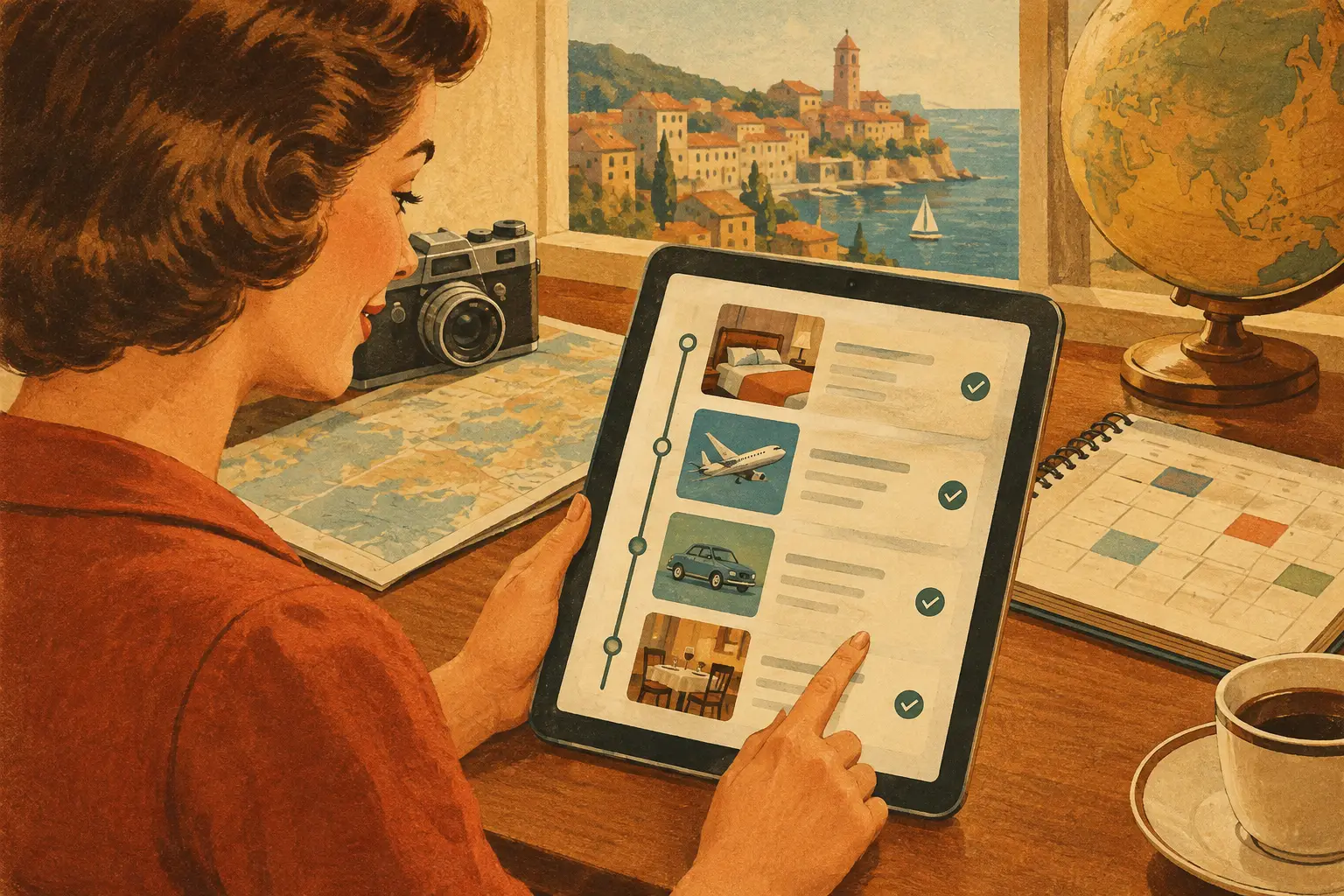
A flight lands at 10:40 a.m., your rental car pickup closes at noon, and the restaurant your group saved weeks ago is across town from the hotel. Those details do not belong in separate inboxes, screenshots, notes, and group chats. When you sync reservations into itinerary planning, every confirmation becomes part of the trip itself - timed, mapped, shareable, and easier to act on.
That shift matters whether you are planning a long weekend in Miami, a national park road trip, or a multi-city Europe escape. Reservations are more than receipts. They are the anchors that determine where you need to be, when you need to leave, and what the rest of the day can hold.
Why Reservations Need a Place on the Itinerary
A booking confirmation tells you that something is reserved. An itinerary tells you how that reservation fits into the day. Keeping those two things separate creates the familiar travel scramble: someone hunts for a hotel address at the airport, another person cannot find the dinner time, and the one traveler with the rental-car confirmation has airplane mode on.
Bringing flights, stays, transportation, and activities into one trip view gives each reservation context. Your 7:00 p.m. dinner reservation can sit beside the museum visit that ends at 5:30. Your hotel check-in can appear after the airport transfer. Your train ticket can connect to the neighborhood walking route you want to take once you arrive.
It also makes group travel much less dependent on one highly organized friend. Everyone can see the plan, check the details they need, and understand what is flexible versus what is locked in.
How to Sync Reservations Into an Itinerary
Start by creating the trip around its fixed dates and destinations. Then add reservations in the order they shape your travel days most: transportation, lodging, rental cars, and booked activities. Once the non-negotiables are in place, add meals, neighborhoods to explore, scenic drives, hikes, and the hidden gems you do not want to forget.
The goal is not to pack every hour. It is to make your confirmed plans visible enough that the rest of the trip can flow around them.
Add the details that matter at the moment of travel
For every reservation, include more than the confirmation number. Add the start and end time, address or pickup location, contact information, and any notes that will save you from reopening an email while standing in line.
For a flight, that might mean the airline, flight number, departure terminal, landing time, and baggage notes. For a hotel, capture check-in instructions, parking details, and the front desk phone number. For an activity, include the meeting point, ticket requirements, cancellation window, and the name of the person who made the booking.
This is especially useful when confirmation emails use vague locations. “Downtown dock” is not enough when your boat leaves in 20 minutes. A map pin and a clear note can make the difference between a great story and a missed departure.
Place reservations where they actually happen
Dates and times are essential, but location is what turns a list of bookings into a workable plan. Map each reservation so you can see whether your day makes geographic sense.
If brunch is in Brooklyn, a spa appointment is in Midtown, and sunset drinks are back in Brooklyn, you may decide the spa is worth the cross-town trip. Or you may move it and give yourself a more relaxed afternoon. The map does not make that decision for you, but it makes the trade-off obvious before the trip begins.
This is even more valuable for road trips, bike rides, and hikes. Add overnight stays, fuel stops, trailheads, timed-entry passes, campgrounds, and viewpoints in the same route-based view. You can spot a four-hour detour before it becomes a tense conversation from the passenger seat.
Keep confirmation numbers easy to find, not easy to lose
A reservation number belongs with the reservation, not buried in an inbox search. Keep it alongside the date, location, and booking notes so it is available when a front desk agent, host, or tour operator asks for it.
Still, avoid treating your itinerary as the only place to keep sensitive travel records. Depending on your preference, store passport details, payment information, and full ticket documents in the secure system you trust. Your itinerary should give you fast operational details without becoming a dumping ground for every document tied to the trip.
Build Time Around Reservations, Not Just Between Them
A common planning mistake is treating reservations as isolated calendar blocks. In real travel, the time around a reservation often matters more than the reservation itself.
A 2:00 p.m. food tour might require a 25-minute walk, 15 minutes to find the meeting point, and enough buffer to finish lunch. A hotel checkout may be at 11:00 a.m., but your luggage storage plan affects what you can do until a 6:00 p.m. flight. A rental car return is not simply an address - it is gas, shuttle time, and airport security afterward.
Give each fixed booking a realistic arrival window. For some travelers, 10 minutes is enough for a familiar neighborhood restaurant. For international flights, cruises, timed attractions, and first-time transit connections, the buffer should be much larger. It depends on the destination, your group size, and how costly it would be to miss the reservation.
Then use the open spaces for flexible ideas. A coffee shop, market, overlook, or beach stop can move if the day changes. That is the right kind of flexibility: not losing your dream trip to a rigid schedule, but also not leaving paid reservations to chance.
Make Shared Reservations Actually Shared
Group trips tend to break down when bookings are visible but ownership is not. If one person booked the hotel, another reserved dinner, and a third has the concert tickets, make those roles clear in the itinerary.
Use shared access so travelers can view the schedule and add suggestions, while keeping editing permissions aligned with the group. A couple may want equal editing access. A larger birthday trip may work better when one organizer manages the core plan and everyone else can comment or save ideas. Families can share the essential logistics with relatives without giving every traveler permission to rearrange the whole day.
Add a simple note to reservations that require action: who is driving, who has the tickets, who needs to pay their share, or who is responsible for confirming the booking. These tiny details prevent the “I thought you had it” moment that no one wants at check-in.
Use Reservations to Make Better Spontaneous Choices
Organizing bookings does not mean turning every trip into a spreadsheet. It gives you confidence to be spontaneous because you know exactly where your commitments are.
When a local recommends a beach you had not considered, you can glance at the map and see whether it fits before your dinner reservation. When rain changes your hiking plans, you can find a nearby museum without forgetting the 4:30 p.m. train. When the group finds an Insta-worthy rooftop, you can decide whether the detour works instead of guessing.
Plan WeGo brings those moving parts into a mobile-first trip space, where reservations, routes, ideas, and shared moments can live together. The point is not to stare at your phone more. It is to spend less time searching for details and more time enjoying where you are.
A Quick Reservation Check Before You Go
A few days before departure, review every reservation as if you were already traveling. Confirm dates, local times, addresses, entry requirements, pickup instructions, and cancellation policies. Pay close attention to time zones on flights, trains, virtual ticket receipts, and airport transfers.
Check for overlaps too. Two reservations may not technically conflict, yet still create an impossible day once travel time is included. If you need to choose, protect the plans that are hardest to replace: a sold-out show, a timed park entry, a special dinner, or the lodging that keeps your route practical.
Then leave room for the unplanned parts. The best travel days often include the café you found by accident, the extra hour at a viewpoint, or the neighborhood you decided to wander because nothing was pulling you across town. When your reservations are synced into the itinerary, those moments have space to happen - and everyone knows what comes next when it is time to move.