
Interactive Itinerary Map Review for Real Trips
November 18, 2026
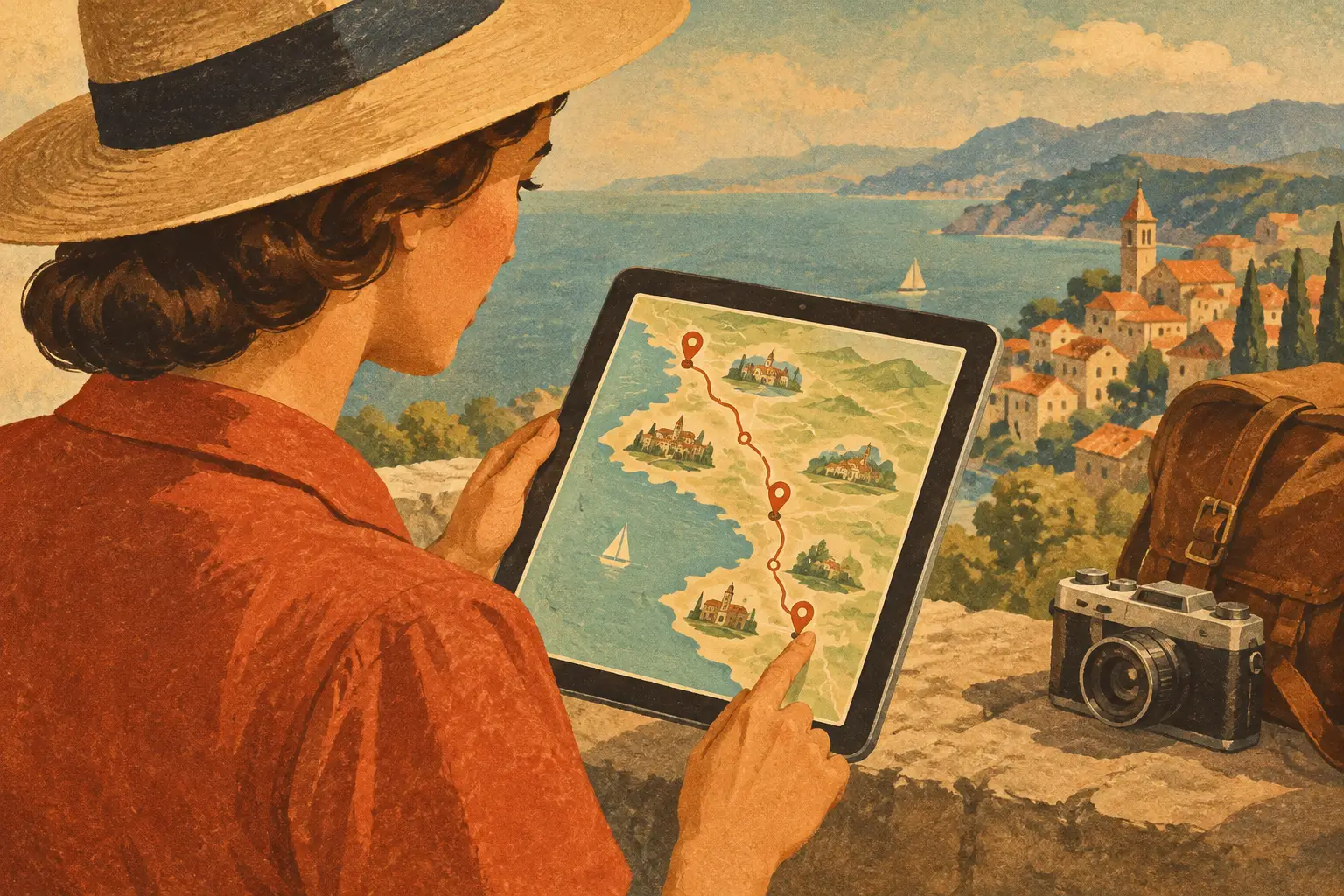
A dinner reservation pinned on the wrong side of town can turn a perfect city weekend into 45 minutes of backtracking. That is the real test behind an interactive itinerary map review: not whether the map looks good in a screenshot, but whether it helps you make smarter calls while the trip is moving.
For travelers juggling saved videos, booking emails, restaurant ideas, and a lively group chat, a map-based itinerary can bring the whole plan into focus. You can see what is nearby, what needs a reservation, where the route gets unrealistic, and which stop deserves to become the highlight of the day.
What an Interactive Itinerary Map Should Actually Do
A basic map answers, “Where is this place?” An interactive itinerary map should answer the more useful question: “How does this place fit into my trip?” That difference matters when you are planning three days in Chicago, a coastal road trip, or a hiking weekend with trailheads, lodging, and changing weather.
The strongest map experience connects locations to the details behind them. A hotel pin should lead to the reservation, check-in information, and address. A restaurant pin should live alongside its time slot, notes, and the people joining. A flight should anchor the beginning or end of the route instead of floating in a separate confirmation email.
This is where an itinerary map becomes more than a visual layer. It becomes the shared operating view for the trip.
The map needs a timeline, too
Location without timing is only half the story. Ten saved places may all look close together, but a brunch spot that opens at 11 a.m. and a museum entry at 11:30 can still make the plan fall apart.
Look for a setup that lets you move between a day-by-day itinerary and the map without rebuilding the trip in both places. When an activity shifts from Saturday to Sunday, the map should reflect the new route immediately. That makes it easier to spot a long cross-town jump before everyone is standing on the sidewalk wondering whose idea it was.
It should handle the whole route, not just highlights
Travel does not happen only at landmarks. It happens between airport terminals, hotel lobbies, parking lots, train platforms, trailheads, rental car counters, and dinner tables.
A useful map should make room for transportation, stays, activities, restaurants, and custom stops. This is especially valuable for route-based trips. On a road trip, you need to see whether your scenic detour fits the driving day. On a bike trip, you need a clearer sense of where rest stops and overnight stays land. On a multi-city vacation, you need to understand what is fixed and what is still flexible.
Interactive Itinerary Map Review: The Features That Matter
The best tools do not ask you to choose between inspiration and logistics. They let you save the sushi counter from a creator’s video, place it on the map, and decide later whether it belongs on Friday night or Sunday lunch.
Here is what separates a map you will actually use from one you open once and forget.
Clear visual organization
Color, icons, and labels can make a busy plan feel calm. When lodging, meals, reservations, and activities are easy to distinguish, you can scan the day quickly rather than reading every pin.
The trade-off is clutter. A map with too many permanent labels can feel overwhelming, particularly for a packed city break. Good design lets you focus on one day, one category, or one section of the trip when you need a cleaner view.
Route awareness that changes real decisions
A map earns its place when it helps you group nearby stops and avoid zigzagging across a destination. Picture a Saturday in New York: coffee in SoHo, shopping in Nolita, lunch in the East Village, and a sunset view near the waterfront makes sense. Adding a 2 p.m. stop near Central Park might not.
That does not mean every day should be optimized down to the minute. Some travelers want a loose afternoon for wandering, and some of the best discoveries happen off-plan. The point is visibility. Once you see the route, you can decide whether the detour is worth it.
Shared edits without the group-chat spiral
Group travel gets complicated when everyone can suggest places but nobody knows which plans are confirmed. A collaborative itinerary map should make roles and updates clear: what is booked, what is a maybe, who added the idea, and what changed.
Flexible sharing permissions matter here. A couple may want a private planning space before sending a polished itinerary to family. A trip organizer may want co-planners to edit, while other travelers only need to view the schedule. The right level of access keeps the trip collaborative without turning every reservation into a debate.
Details attached to every stop
A pin without context creates more work. The practical details should travel with the place: confirmation numbers, contact information, opening times, notes, tickets, packing reminders, and any instructions your group needs.
This is a small feature with a big payoff. Instead of searching multiple apps at the hotel desk or forwarding an old email, the information is where the decision happens. Tap the place, get the details, keep moving.
Where Map-First Planning Works Best
Interactive maps are not equally valuable for every kind of trip. For a one-night resort stay with a fixed transfer and one dinner booking, a detailed route view may be nice but not essential. For trips with multiple neighborhoods, changing transportation, or a long list of saved places, it quickly becomes the center of the plan.
City breaks benefit because distance can be deceptive. Two pins may appear close, yet a river, park, or transit gap changes the real travel time. Road trips benefit because the map reveals the rhythm of the journey: driving stretches, fuel stops, viewpoints, and places to sleep. Outdoor trips benefit when routes, trailheads, gear notes, and backup plans sit together.
It also works beautifully for travelers who plan visually. If you save destinations through photos, creator recommendations, and location tags, a mapped itinerary lets those ideas become an actionable route instead of a scattered wish list.
Plan, Book, Go, and Share From One View
A trip map is most useful when it supports the whole journey, not just the planning stage. You should be able to add a dream spot while researching, connect the reservation once it is booked, use the map while you are out exploring, and keep the trip record after you return.
That approach is especially useful for trips you want to remember and share. The places that mattered are already organized by day and location, making it easier to turn a weekend away into a visual story for friends or a ready-to-use plan for future travelers.
Plan WeGo brings that flow into one mobile-first space, combining itinerary details, map visualization, booking information, collaboration, and shareable trip memories. For creators, the same structure can turn a well-tested route into a polished plan others can follow.
A Few Smart Checks Before You Commit
Before building an entire vacation around any itinerary map, test it with a real mini-plan. Add your stay, two reservations, a transportation detail, and several places you are considering. Then ask whether the map helps you answer practical questions quickly.
Can you see the day’s route without zooming endlessly? Can a friend understand what is confirmed? Can you move a stop to another day without losing the context? Can you find the details you need when you are away from your laptop? If the answer is yes, you have found a tool that reduces friction rather than adding another place to maintain.
A great interactive itinerary map does not force every moment into a rigid route. It gives you enough clarity to leave room for the unexpected coffee shop, the extra hour at the beach, and the “let’s stay here a little longer” moments that make a trip yours.