
Collaborative Map Planner Review: What Matters
November 19, 2026
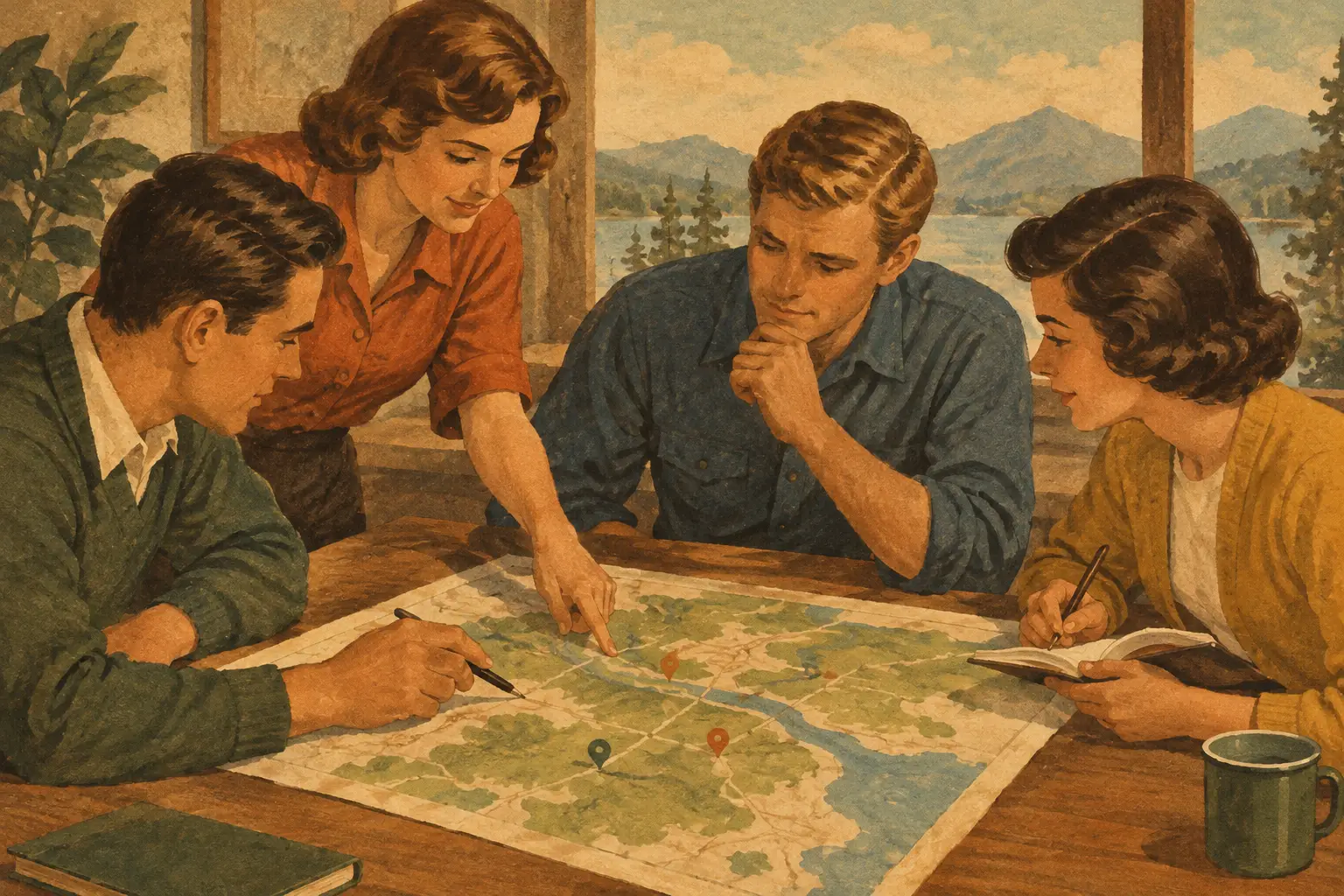
A group trip can fall apart long before anyone misses a flight. It starts when restaurant pins live in one person’s map, reservation emails sit in another person’s inbox, and the route gets debated across three group chats. This collaborative map planner review looks at what separates a genuinely useful shared trip hub from a pretty map that creates more work.
The best option is not necessarily the one with the most pins. It is the one that helps your group make decisions, see the day clearly, keep booking details close, and adjust without turning one friend into the unpaid trip coordinator. Whether you are planning a Nashville weekend, a national park road trip, or a multi-city Europe itinerary, the map should move the plan forward.
What a collaborative map planner should actually do
A map planner earns its place when it connects location to context. A saved coffee shop is nice. A saved coffee shop with a planned arrival window, walking distance from your hotel, a note that it takes reservations, and visibility for everyone in the group is much more useful.
Start by looking at how places enter the trip. You should be able to add lodging, restaurants, attractions, trailheads, transportation stops, and personal recommendations without making the process feel like data entry. The experience should work especially well on a phone, because inspiration usually strikes while you are scrolling, texting, or standing in line somewhere.
Then look beyond the pins. A practical planner ties each place to an itinerary day or time, so your map becomes a visual version of the trip rather than a pile of possibilities. Seeing that your museum, lunch spot, and sunset overlook are on opposite sides of town can save you from a day spent in rideshares instead of on vacation.
For route-based adventures, this matters even more. Road trips, hikes, and bike rides need distances, stops, timing, and a realistic sense of what fits in a day. A map that makes routes visible helps groups spot the difference between an ambitious plan and a stressful one.
The collaboration test: Can everyone help without chaos?
The hardest part of shared travel planning is not finding ideas. It is turning everyone’s ideas into a plan the group can use. A strong collaborative map planner gives travelers meaningful ways to participate while keeping the itinerary organized.
First, it should make inviting people easy. Friends, partners, relatives, or fellow travelers need a clear path into the trip, ideally from the device they already use most. Once they join, they should be able to see the relevant itinerary, map, notes, and changes without asking for screenshots every few hours.
Permissions matter here. Not every traveler needs the same level of access. A couple organizing a honeymoon may want a private plan, while a friend group may need every member to add ideas and vote on favorites. For a family trip, one person might manage bookings while everyone else contributes activities. Good controls prevent accidental edits and keep sensitive details limited to the right people.
The most helpful platforms also make changes visible. If a dinner reservation moves from 7:00 p.m. to 8:30 p.m., the update should appear where the group already checks the plan. Otherwise, people keep following outdated screenshots and messages. Collaboration works best when the current itinerary has one obvious home.
There is a trade-off. Open editing is fast and inclusive, but it can get messy with a larger group. More controlled editing keeps the trip tidy, but may leave people feeling left out. Choose a setup that fits your crew. For a two-person getaway, broad access is usually simple. For eight people heading to a music festival, a lead planner with contributor access for everyone else often works better.
A collaborative map planner review needs to include bookings
Maps are great at showing where you want to go. Trips also depend on the unglamorous details: flight times, hotel addresses, rental car pickup instructions, train platforms, confirmation numbers, and activity reservations. If those live outside the planner, the group is still piecing the trip together.
The strongest map planners bring those pieces into the same itinerary. When your hotel is pinned alongside your airport arrival, booked dinner, and next morning’s walking tour, the plan starts to feel usable in the moment. You are not bouncing between a map app, an email search, a notes app, and a booking site just to answer, “Where are we supposed to be?”
That does not mean every trip needs a minute-by-minute schedule. Plenty of travelers want room for a hidden gem, a lazy pool afternoon, or a detour that looks better than the original plan. The goal is to organize the commitments first, then leave space around them. A good map planner supports both structure and spontaneity.
When comparing tools, ask whether you can add the full range of trip components. A platform that handles a restaurant pin but not transportation, lodging, or route stops may still work for a day out. For a longer or multi-stop trip, it can become another fragmented app in the stack.
Visual planning is more than a nice feature
A list tells you what is on the trip. A map tells you how the trip feels. That distinction matters when you are deciding between neighborhoods, choosing a hotel, or figuring out whether a “quick stop” is actually 45 minutes in the wrong direction.
Visual planning also makes group decisions easier. Instead of arguing over ten separate suggestions, you can see clusters emerge. Maybe everyone’s saved spots are near the waterfront. Maybe the hiking trail that looked perfect is far from the cabin. Maybe your dream hotel is beautiful but makes every planned activity inconvenient. The map gives the group something concrete to react to.
For socially minded travelers, visuals also keep the excitement high. An itinerary should not feel like a spreadsheet disguised as a vacation. Seeing the route, the beaches, the food stops, and the neighborhoods you have saved makes the trip feel real before departure. It is the practical side of inspiration.
Still, map design needs to serve clarity. Too many colors, icons, and layers can make a trip harder to read. Look for filters or categories that let you focus on one part of the plan at a time, such as food, stays, activities, or transportation. The most useful view is the one that answers your next question quickly.
Plan for the trip, then keep the story
A collaborative trip map should not lose its value the minute you get home. For many travelers, the places they visited become the backbone of a shared story: the overlook where someone proposed, the tiny taco stand everyone still talks about, the route that turned a weekend drive into a favorite memory.
This is where a planner with sharing and documentation features can stand apart. If your itinerary can hold photos, notes, and moments from the trip, it becomes more than an organizational tool. It becomes a record you can revisit, share with friends, or use as inspiration for the next adventure.
Creators have an additional reason to care. A well-organized map-based itinerary can become useful content for an audience that wants more than a carousel of pretty photos. Travelers often want the actual route, the saved locations, and the planning logic behind the experience. Premium itinerary marketplaces can give knowledgeable creators a way to package that value while giving followers a clearer starting point.
Who gets the most value from this kind of planner?
Collaborative map planning shines for trips with multiple stops, multiple people, or both. Friend groups coordinating a long weekend, couples balancing different interests, families managing logistics, and adventure travelers following a route all benefit from seeing the plan in one shared place.
It can be less necessary for a solo overnight stay with one reservation and no fixed plans. In that case, a basic map and calendar may be enough. But once you are coordinating flights, accommodations, activities, and several opinions, the right planner can replace a lot of back-and-forth.
Plan WeGo is designed around that full trip flow: plan the route and itinerary, keep bookings and details together, go with a shared view of the journey, then share the memories and ideas that made it special. The value is not just having a map. It is having a map that stays connected to the decisions, people, and moments around it.
Before choosing a tool, try building one real day of your next trip. Add where you are staying, two activities, a meal, transportation, and the people coming with you. If the plan becomes clearer within a few minutes, you have found something worth bringing along. If it creates another place to update, keep looking. Your trip deserves more time for the view and less time hunting for the latest message.