Plan WeGo home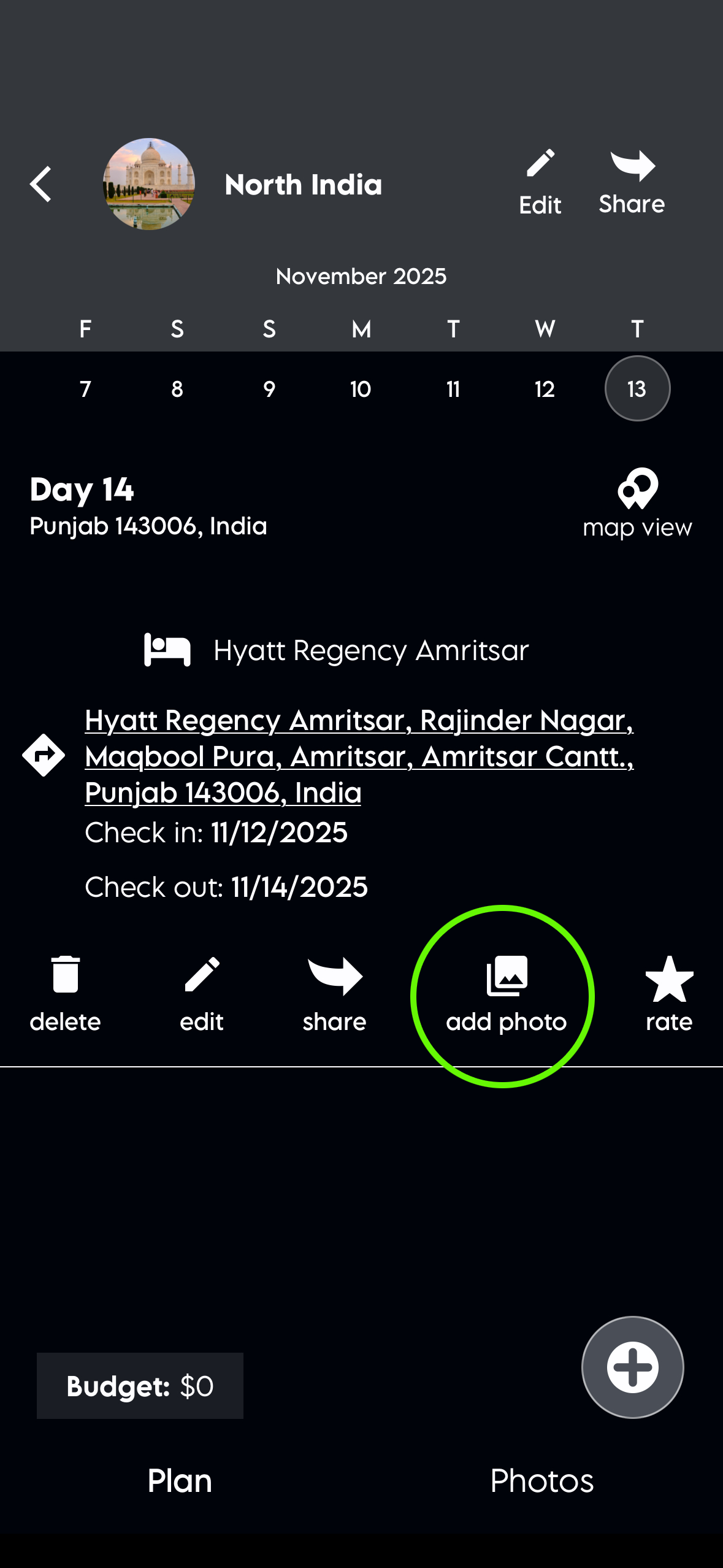

How can we help?
Adding Photos
How do I add a photo to an item?
Click the item, and when it opens, you'll find an "Add Photo" option. When you add a photo to the item, the item information will appear in the heading, including the date.