Plan WeGo home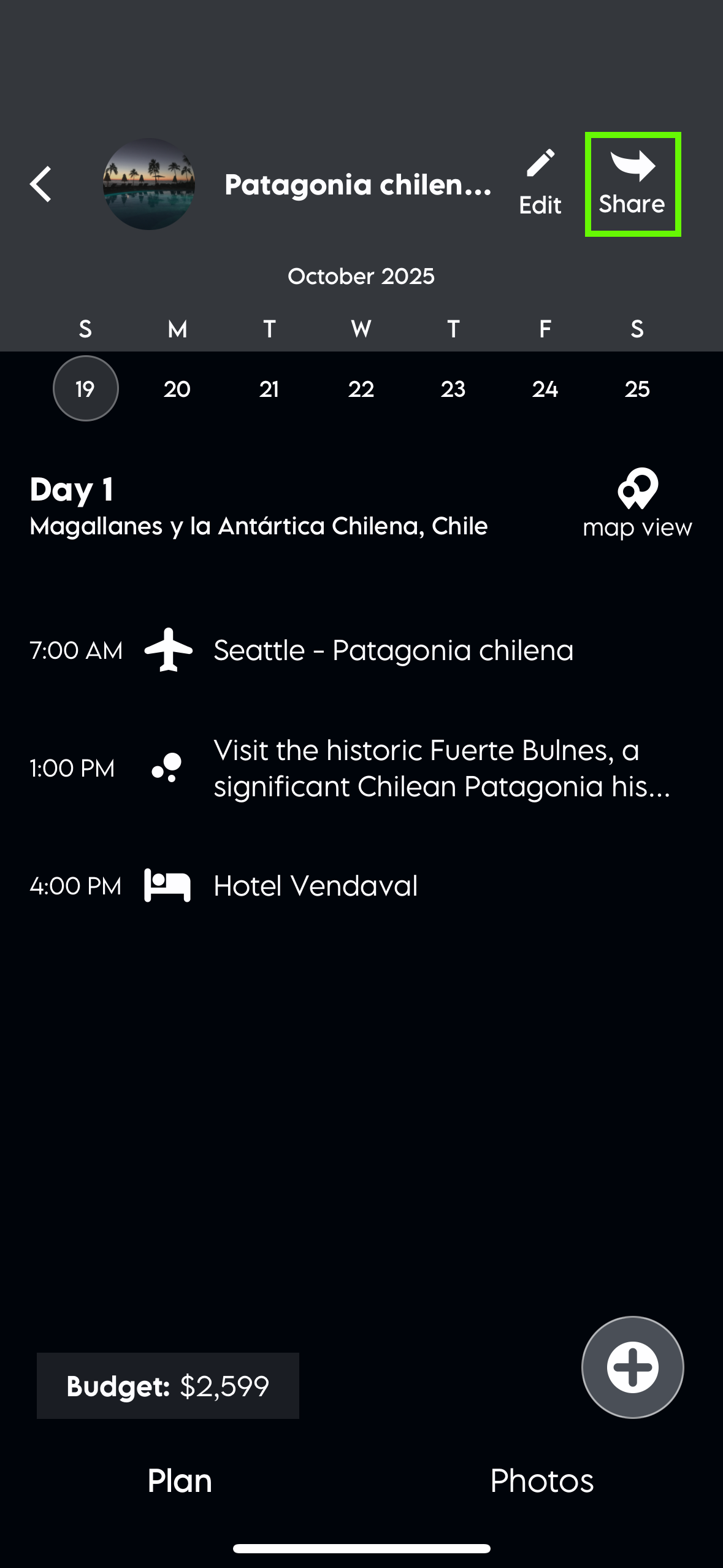
How can we help?
Share a plan
Share a plan
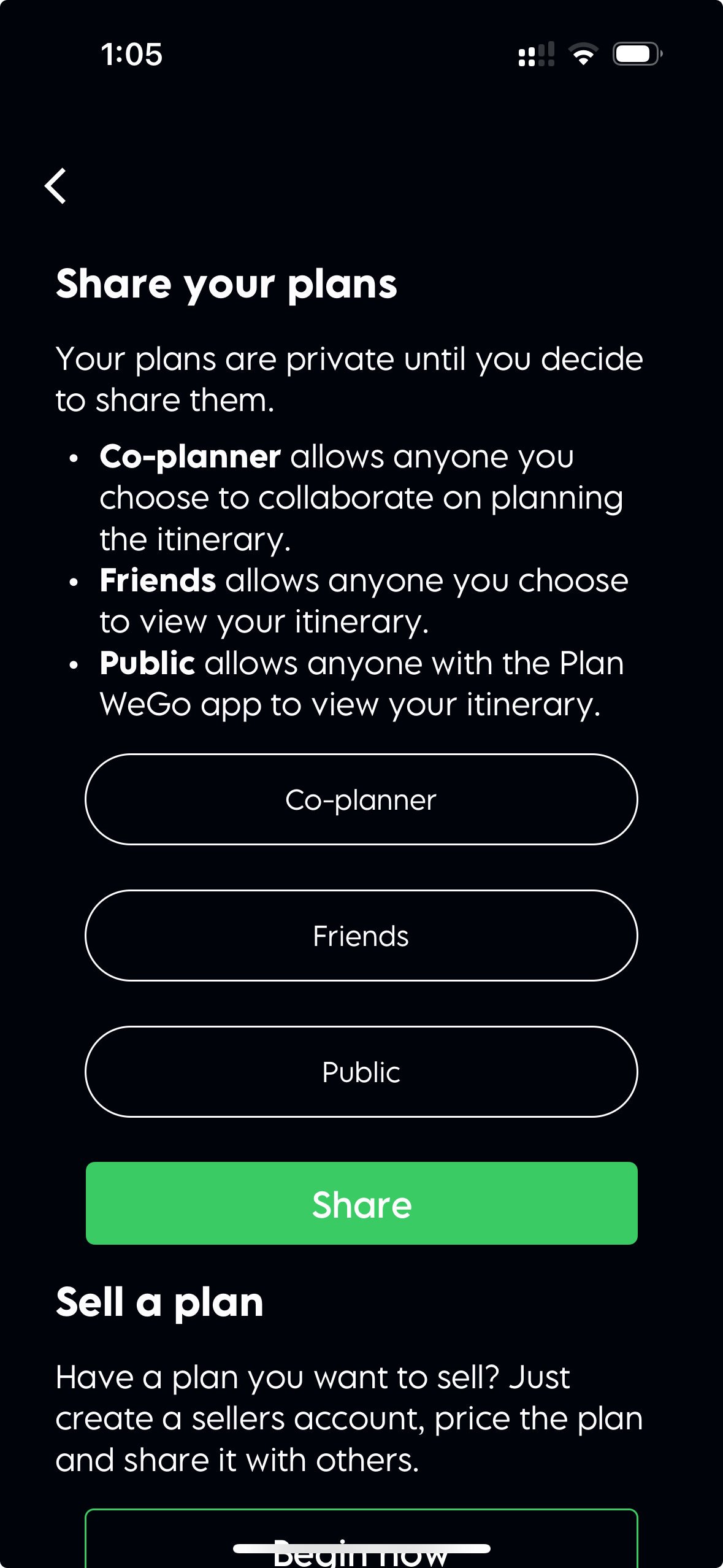
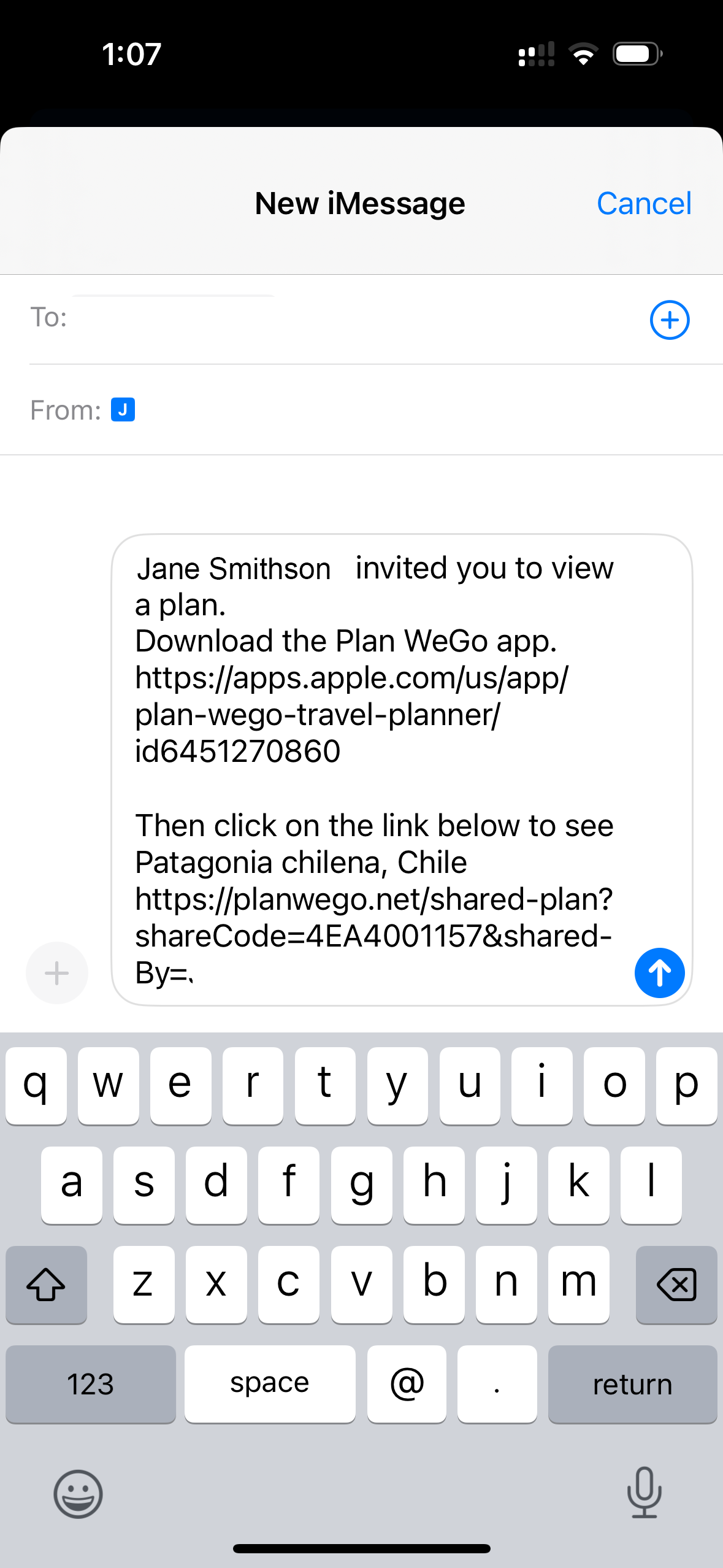
To share a plan, tap the sharing icon at the top of the plan. For the best experience, the person you’re sharing with should download the app, create an account, and then open the plan link you send. You can share in different ways depending on what you’d like: as a co-planner if you want them to edit with you, as a friend if you’d like them to view only, by making it public so anyone can see it, or even by selling your plan for others to purchase.