How can we help?
Get started
Create a new plan
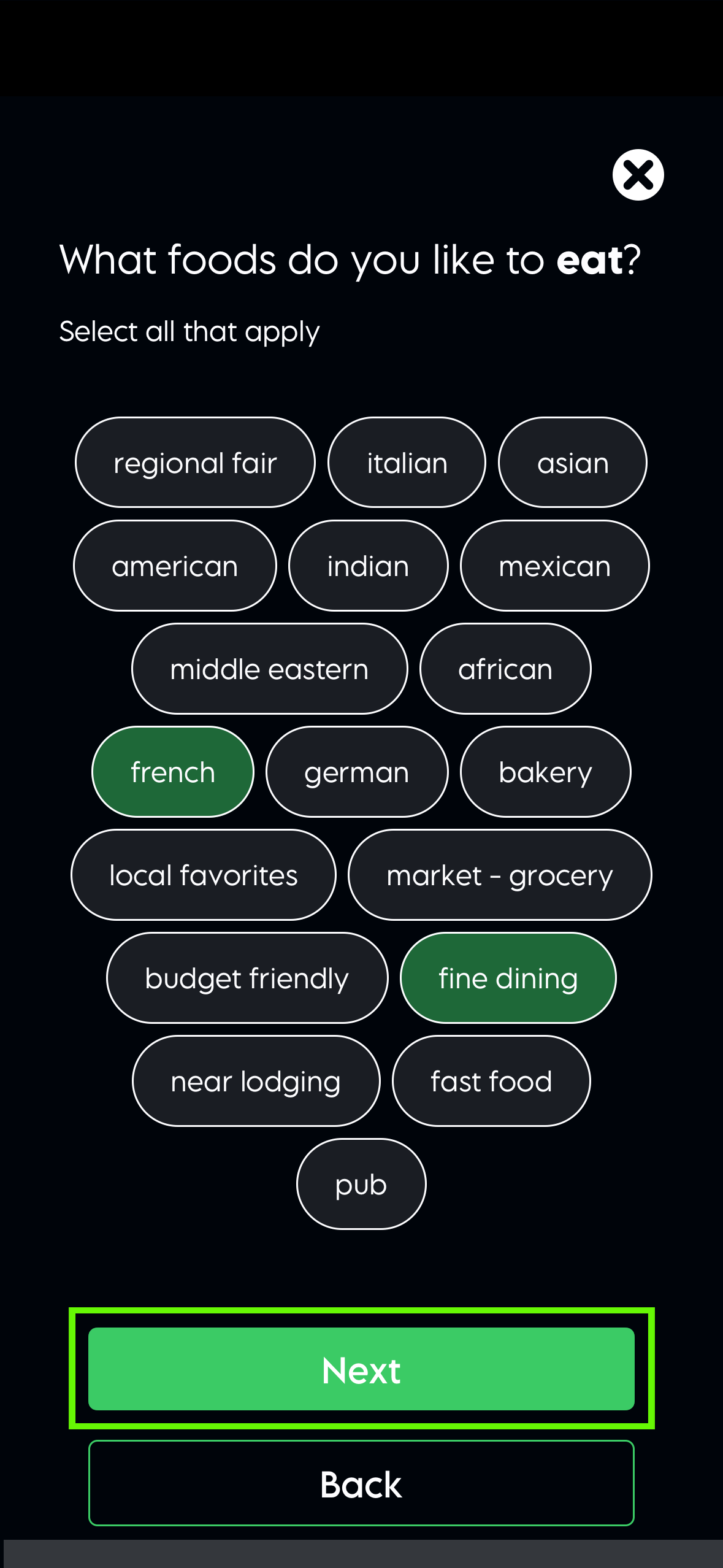
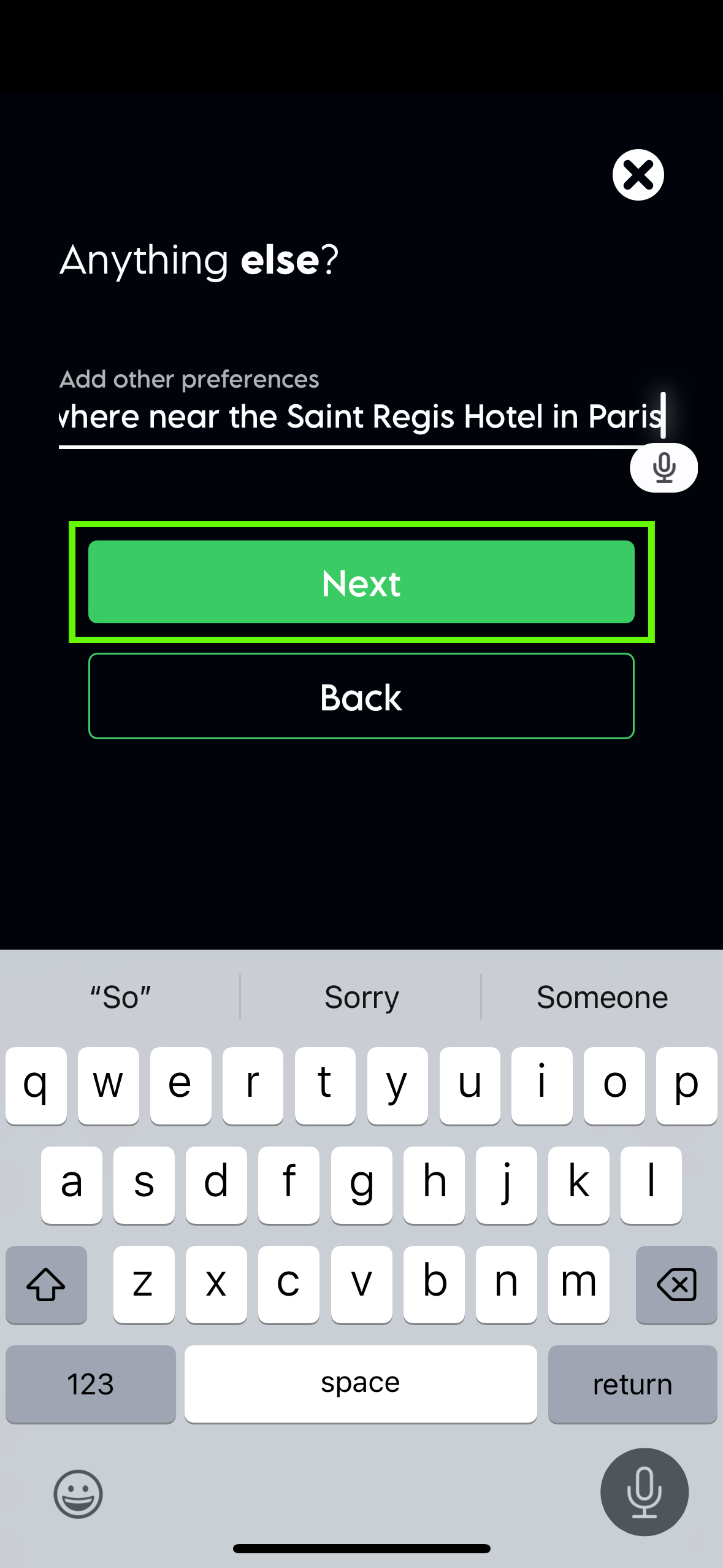
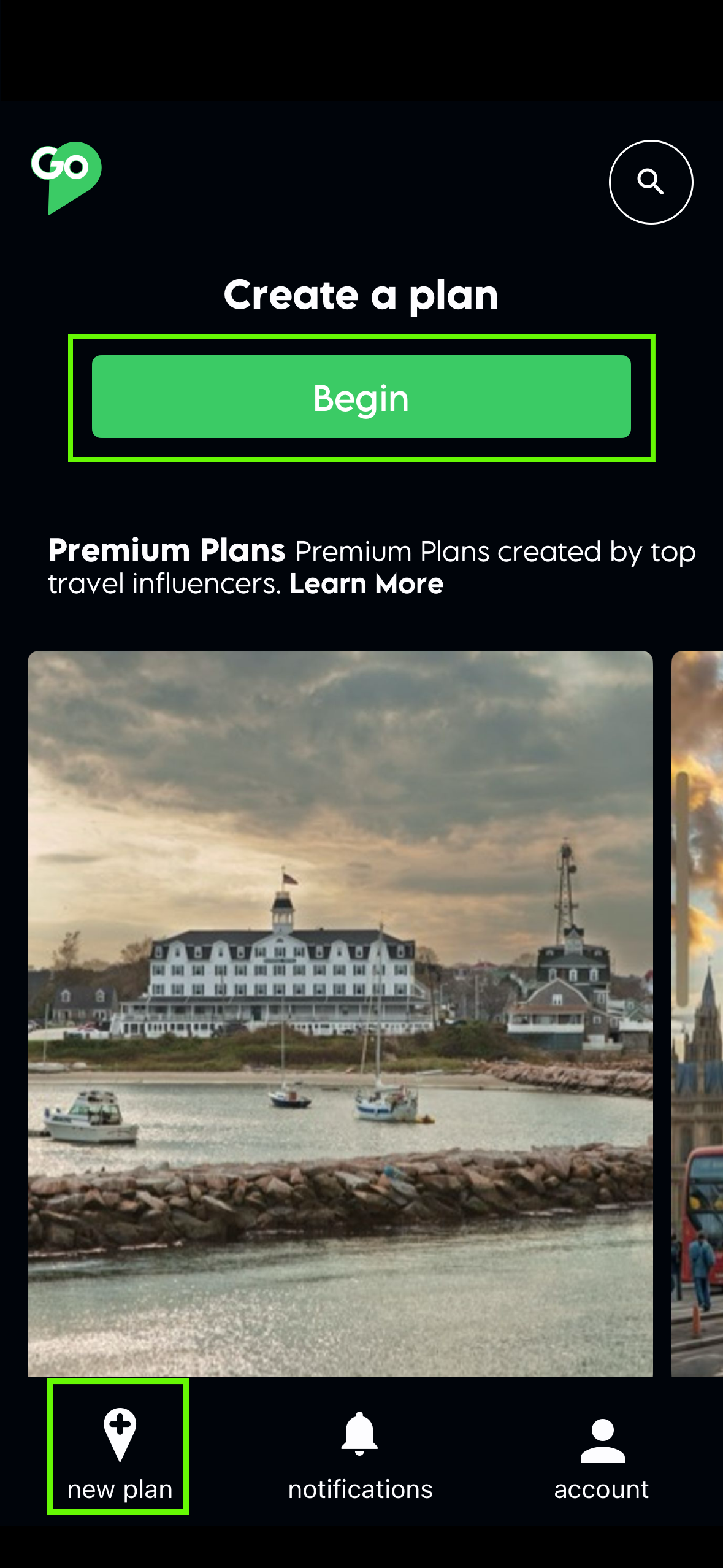
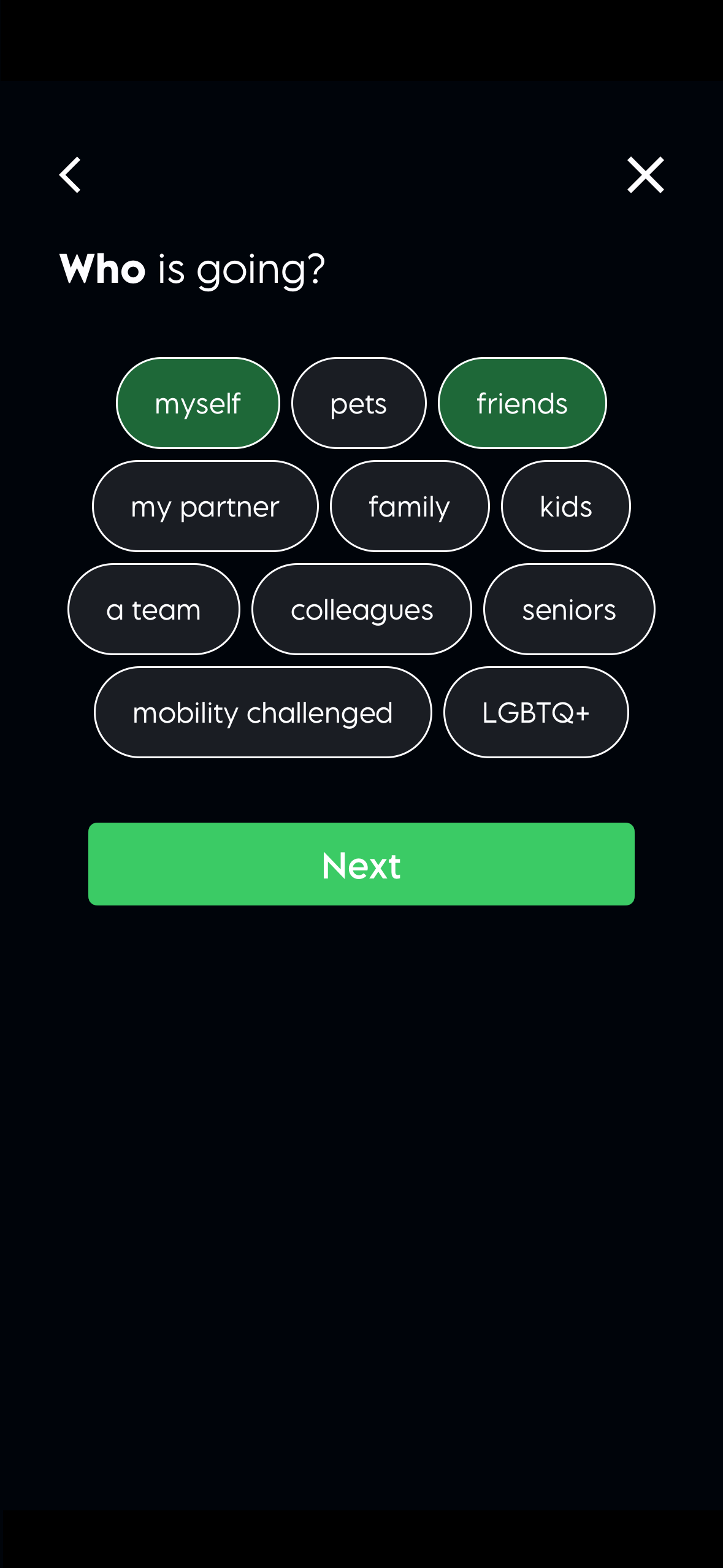
To create a new plan with AI recommendations, select the “begin” button or the“new plan” button on the lower left of the home screen. Enter the starting location and the final destination. You can also add additional destinations. Select dates, who’s going, and mode of transportation. The AI will give you recommendations for restaurants, activities, and lodging based on your choices. Once your plan is complete, you can view the itinerary items, get more details, and even book hotels or flights in the app.
Add to a plan
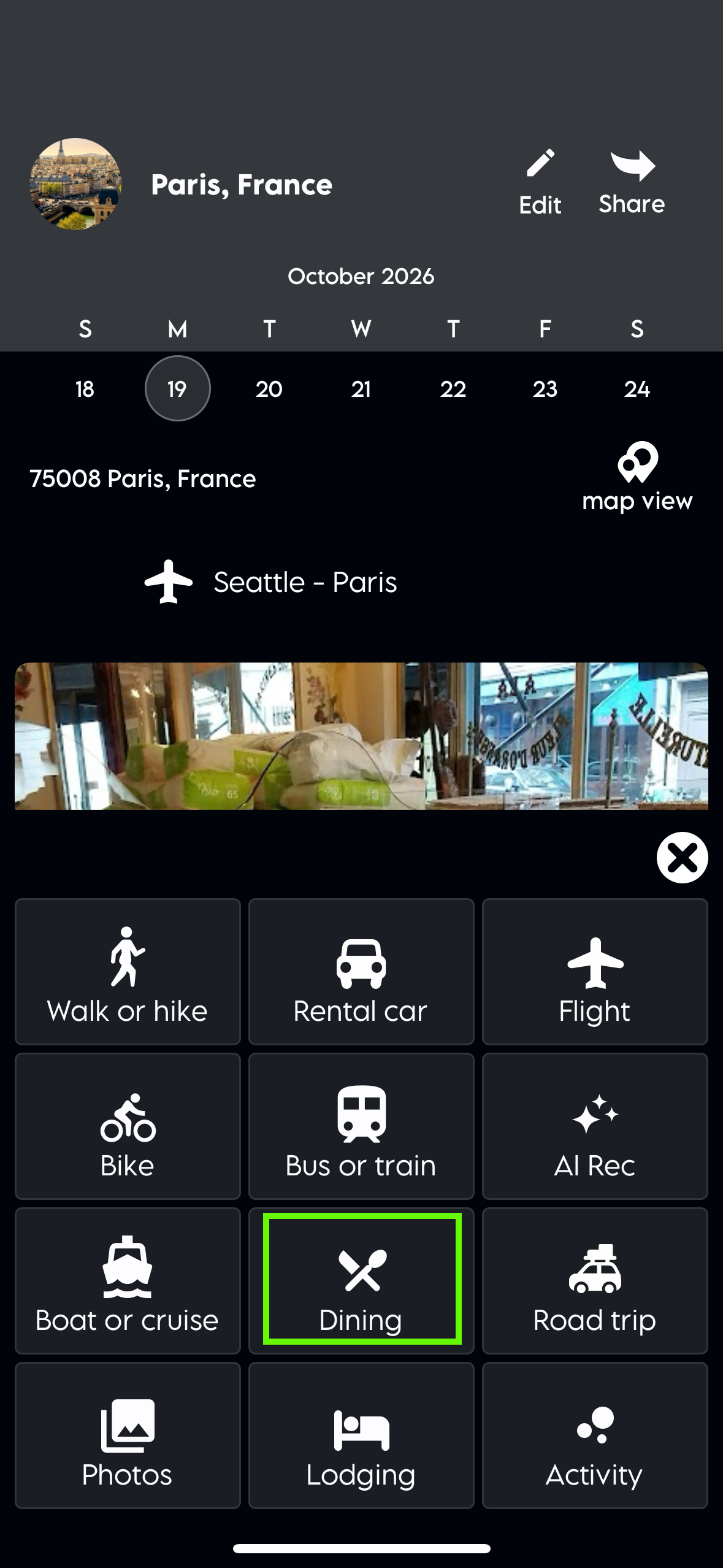
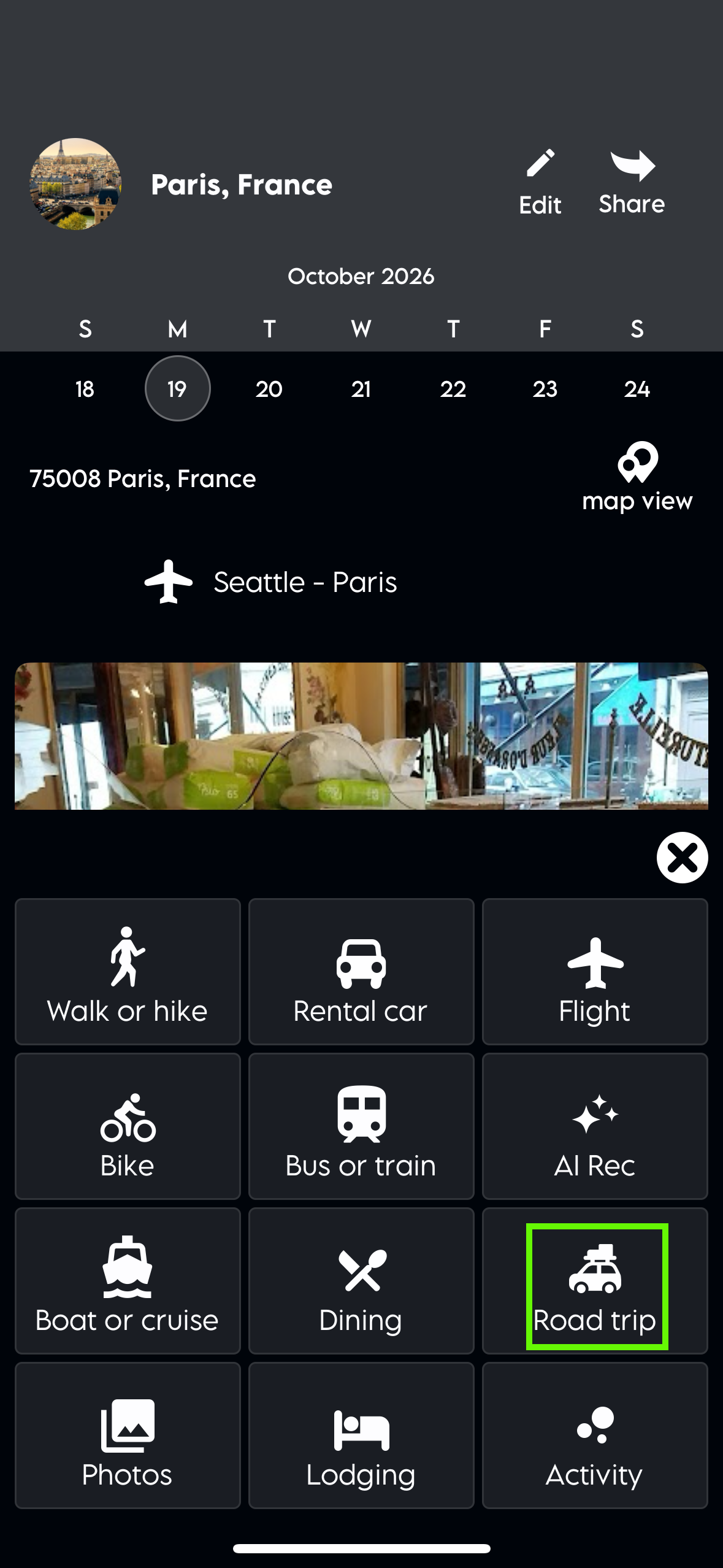
You can add a walk, rental cars, flights, bike ride, bus, train, AI recommendation, boat, cruise, dining, road trip, photos, lodging, and activities to a plan.




Add a road trip
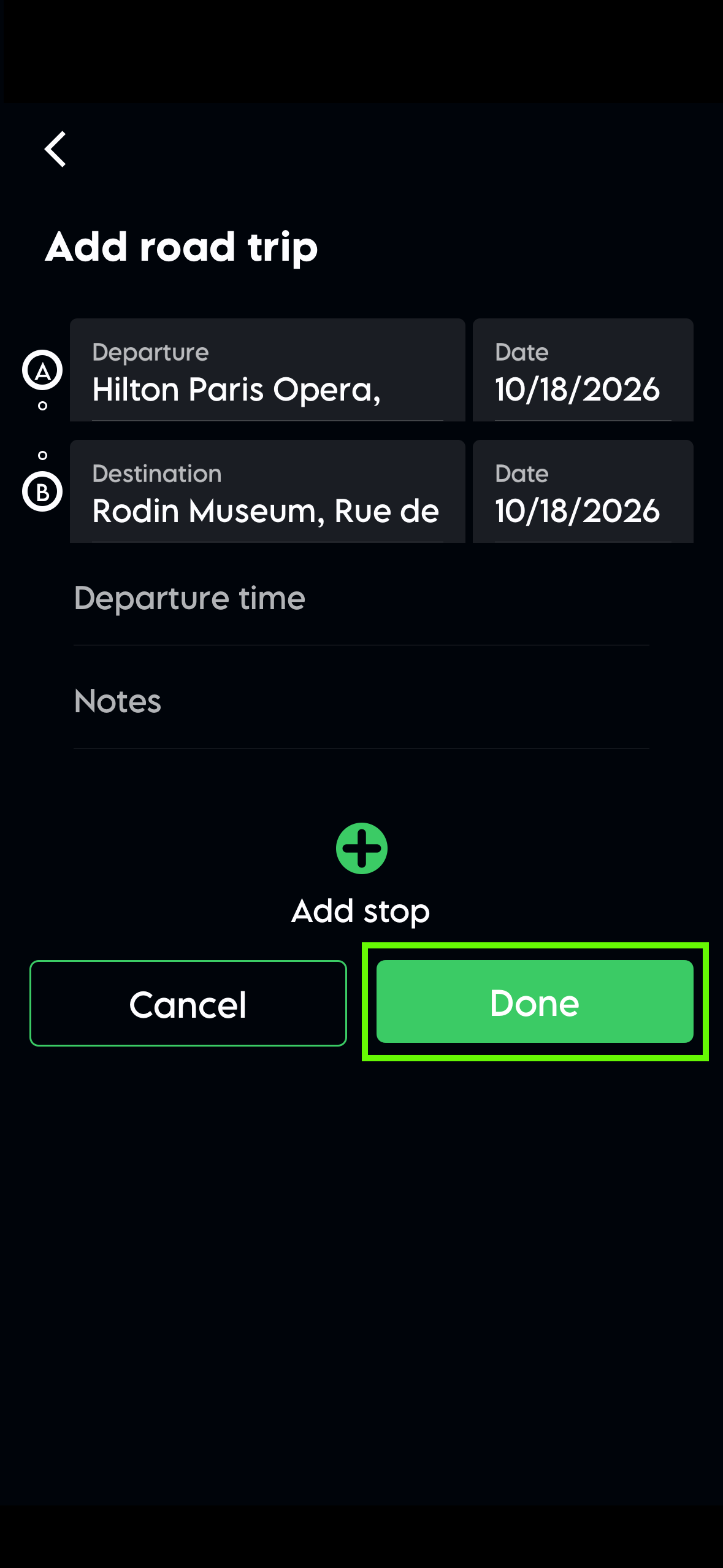
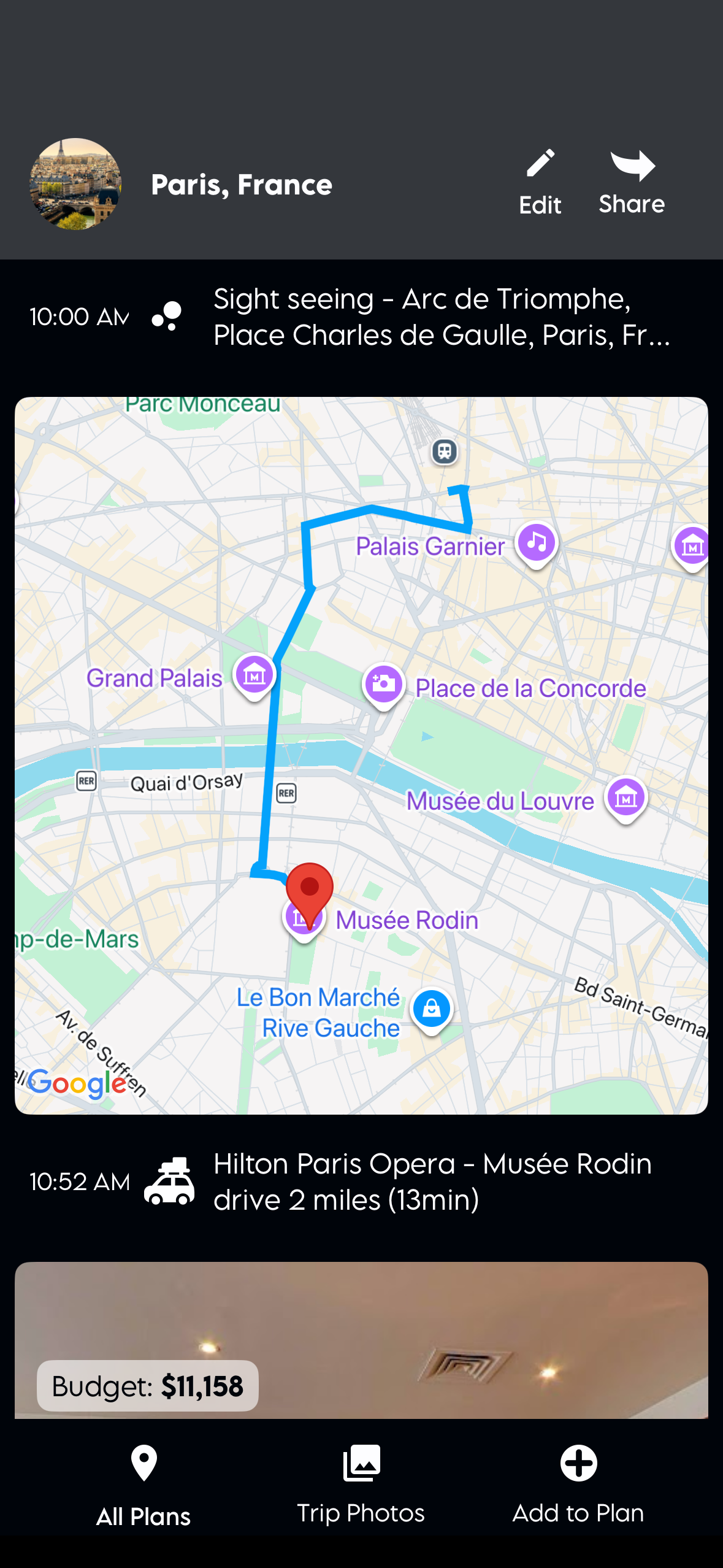
You can add a road trip to your entire trip or just part of it. The app will calculate the average miles per day, or you can add stops of your choice along the route, or use AI to recommend stops along the way.


Create a new plan with AI recommendations
To create a new plan with AI recommendations, select the “begin” button or the“new plan” button on the lower left of the home screen. Enter the starting location and the final destination. You can also add additional destinations. Select dates, who’s going, and mode of transportation. The AI will give you recommendations for restaurants, activities, and lodging based on your choices. Once your plan is complete, you can view the itinerary items, get more details, and even book hotels or flights in the app.
Add AI recommendations to a day of a trip
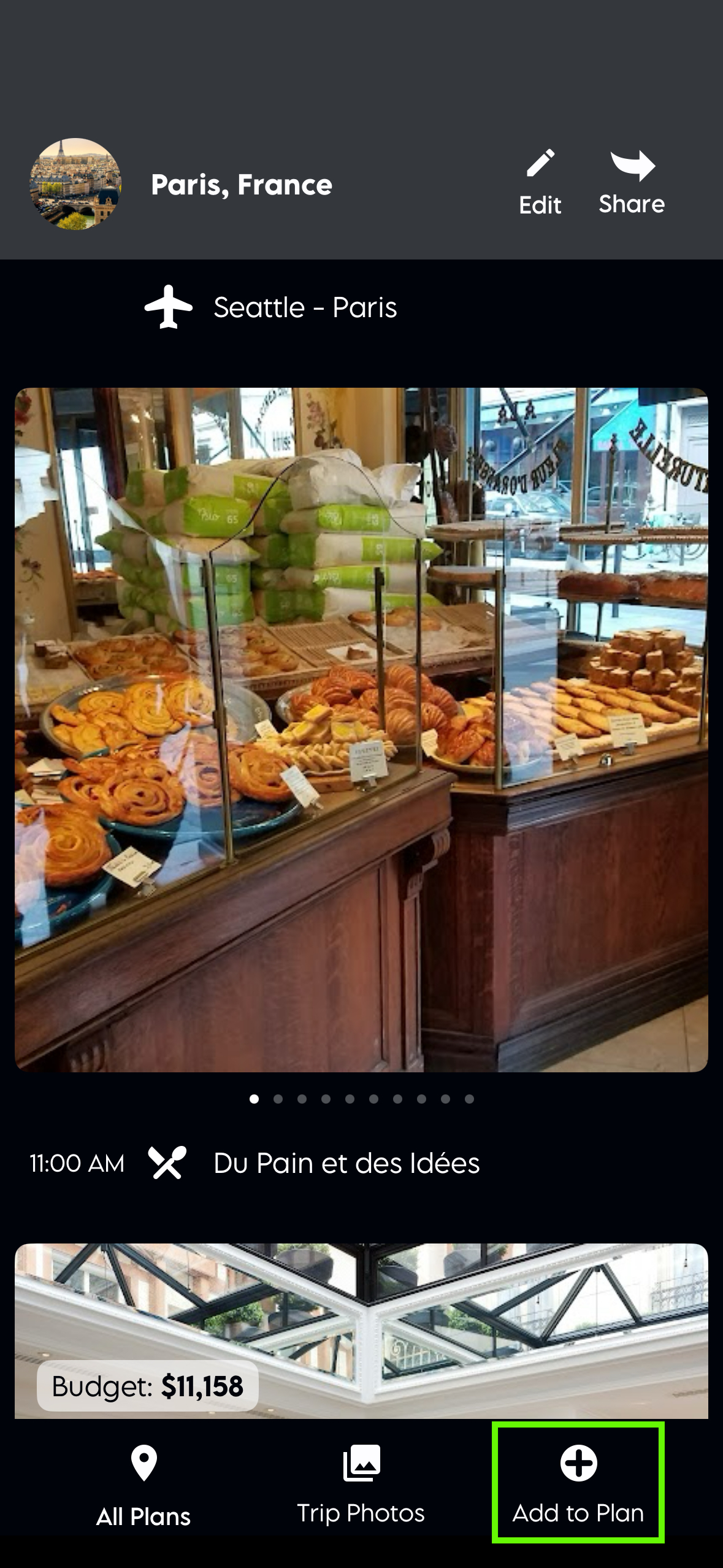
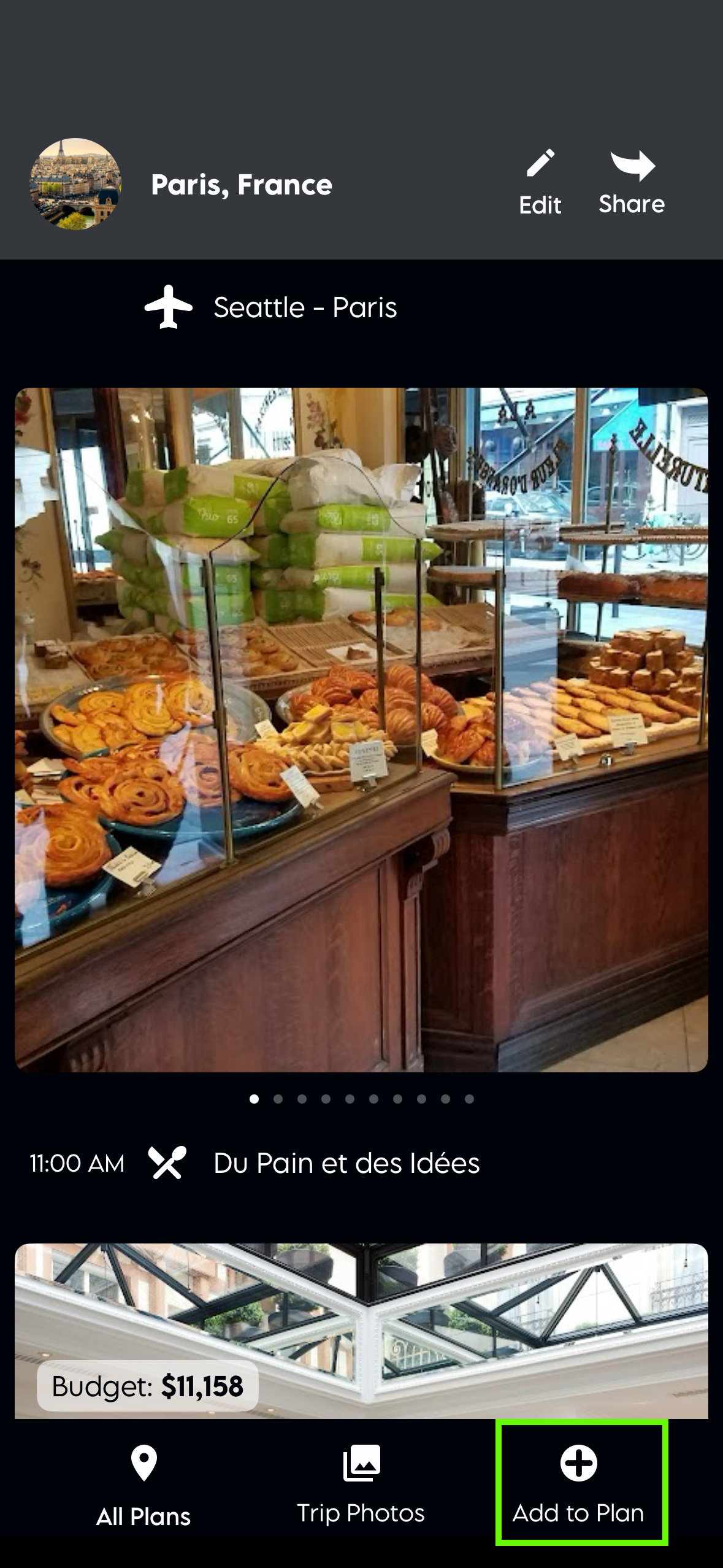
Add AI recommendations by selecting " Add to Plan". In the menu, select any item, then choose "AI Recommendations" and customize it. In a few seconds, you'll see the recommendation in your plan.
Create a plan without AI recommendations
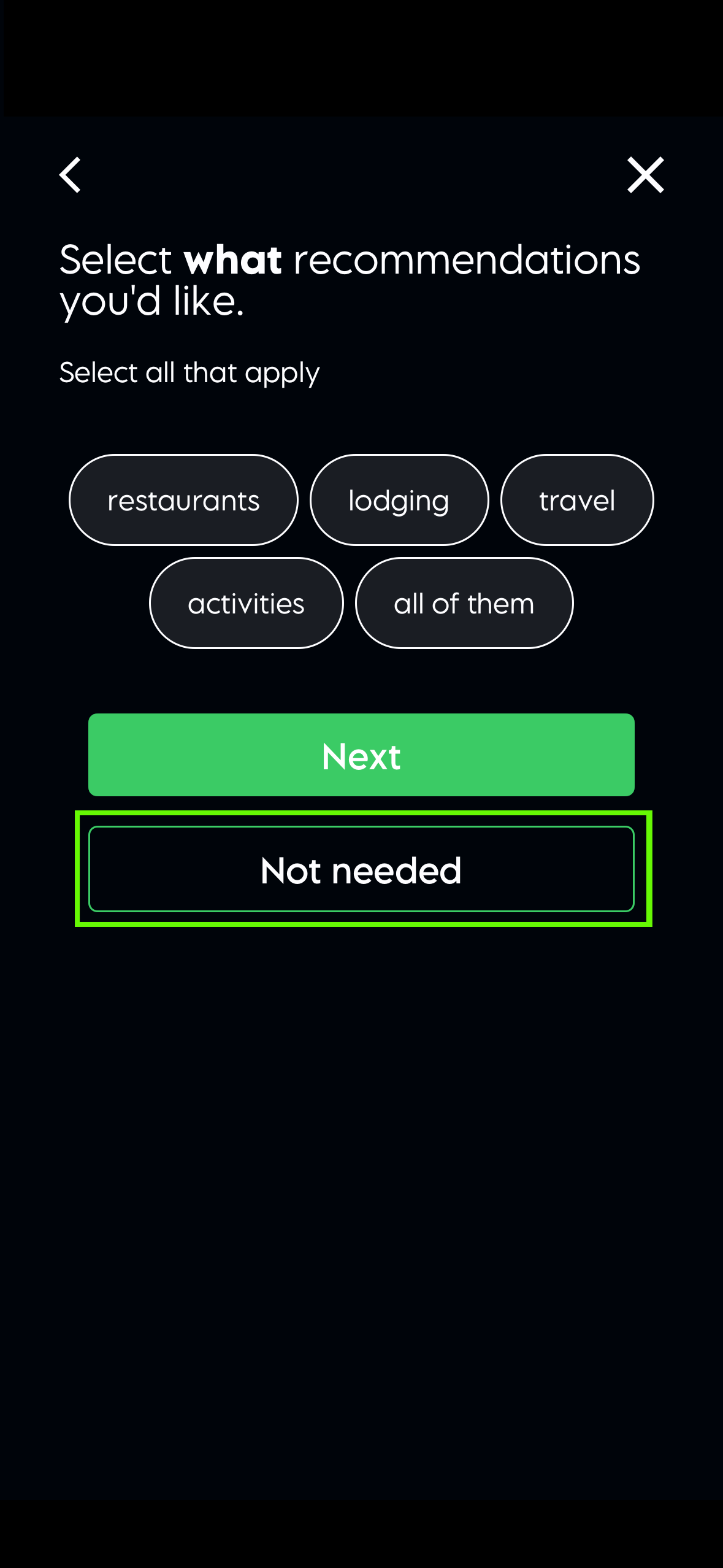
If you’re new here, click the “Begin” button to get started. If you’re a returning user, tap “New Plan” in the footer. You can create a plan without AI-powered recommendations—just start planning and select the “Not Needed” button when you come to the recommendations screen.

Plan between months
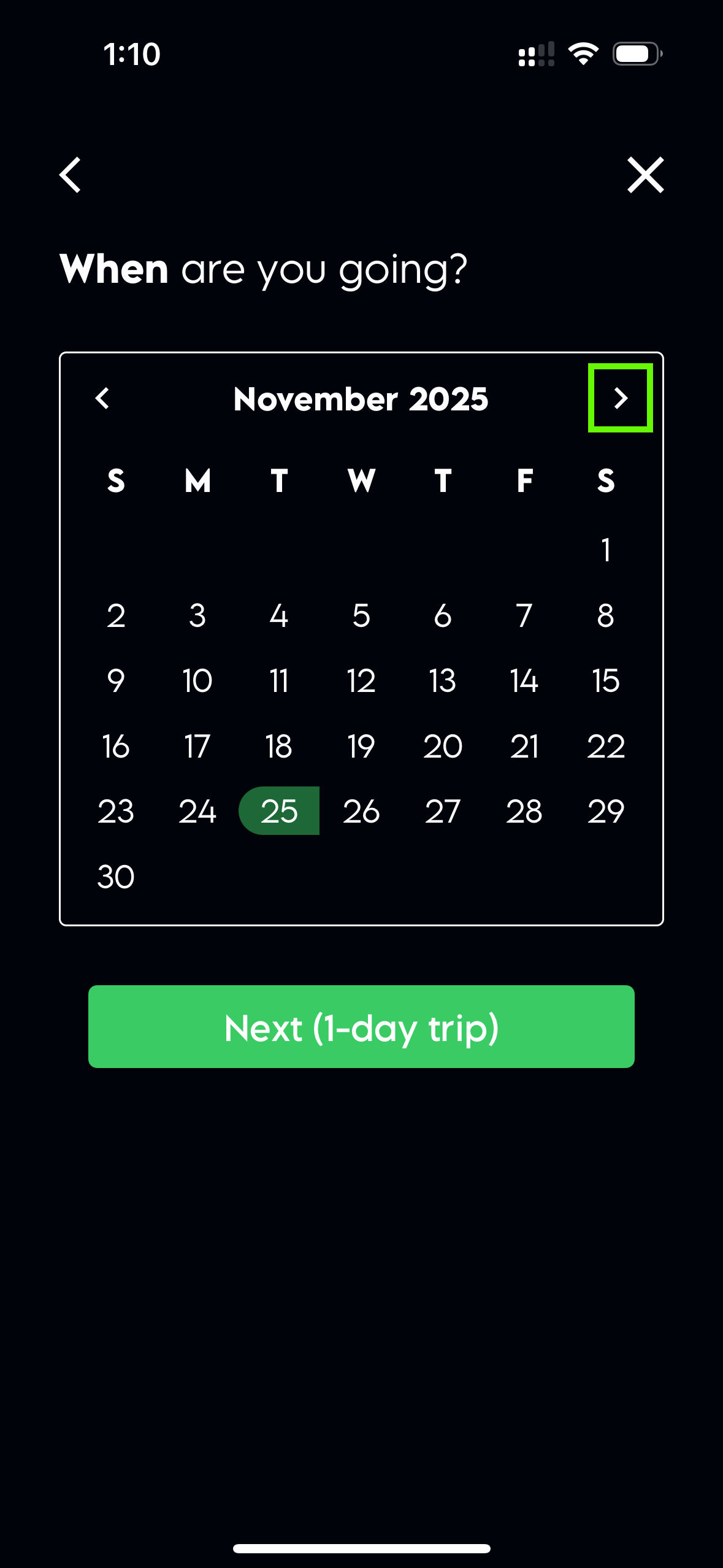
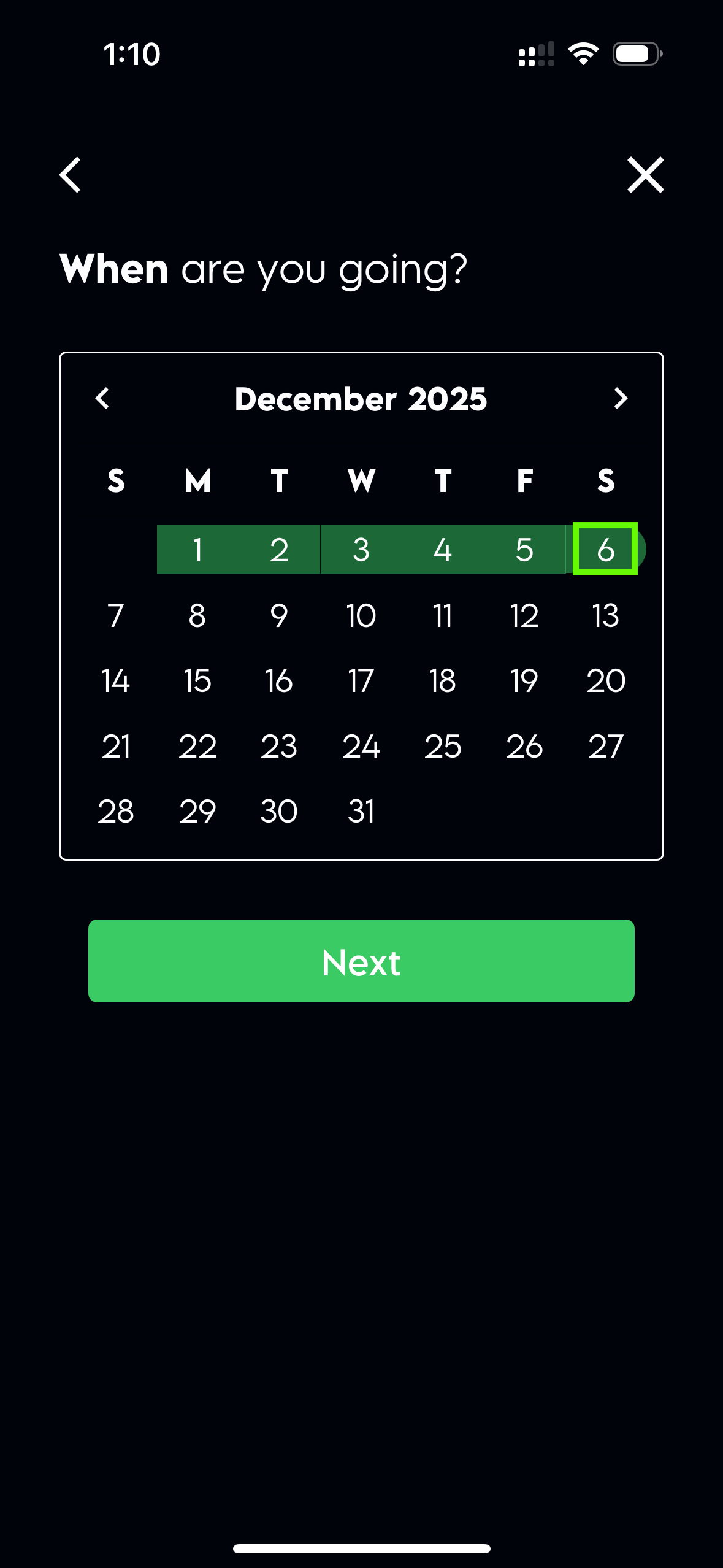
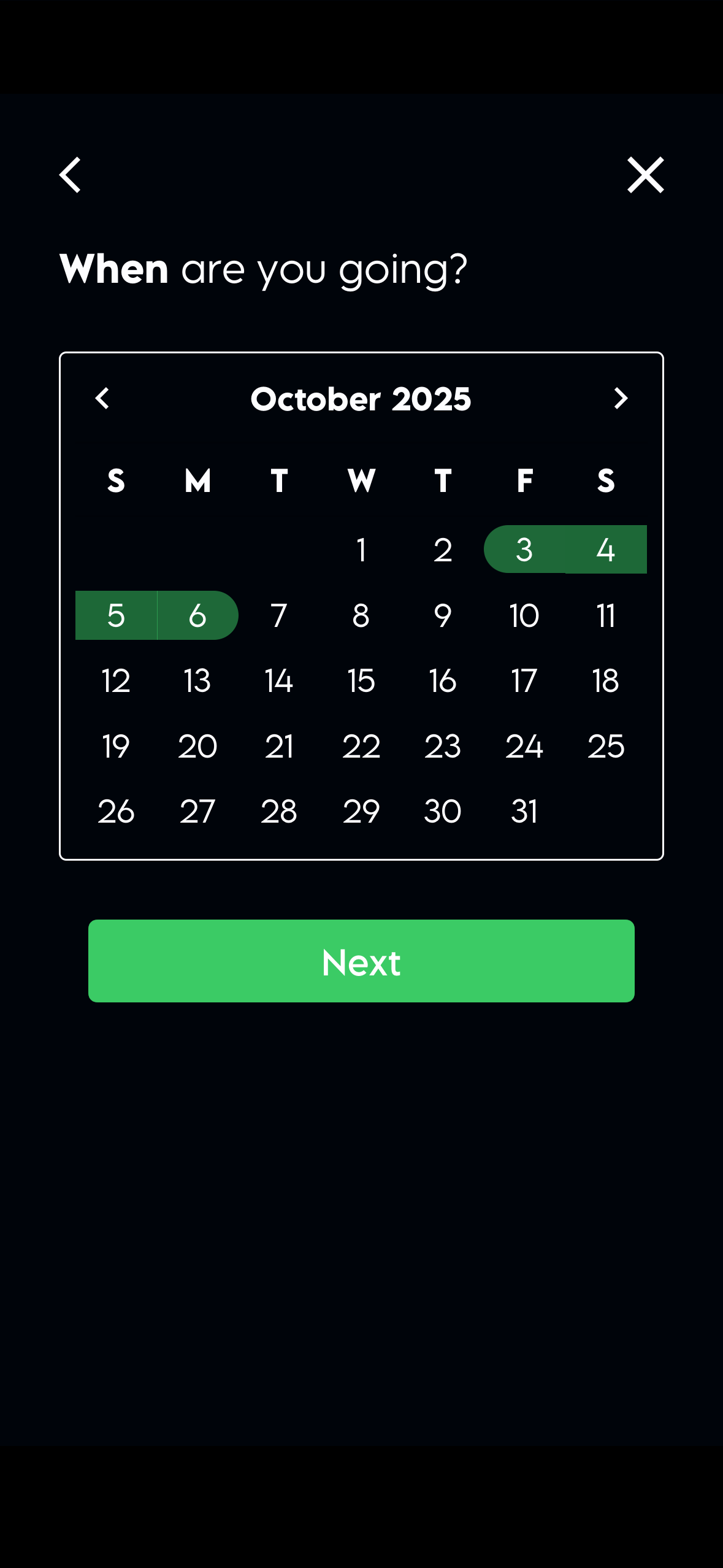
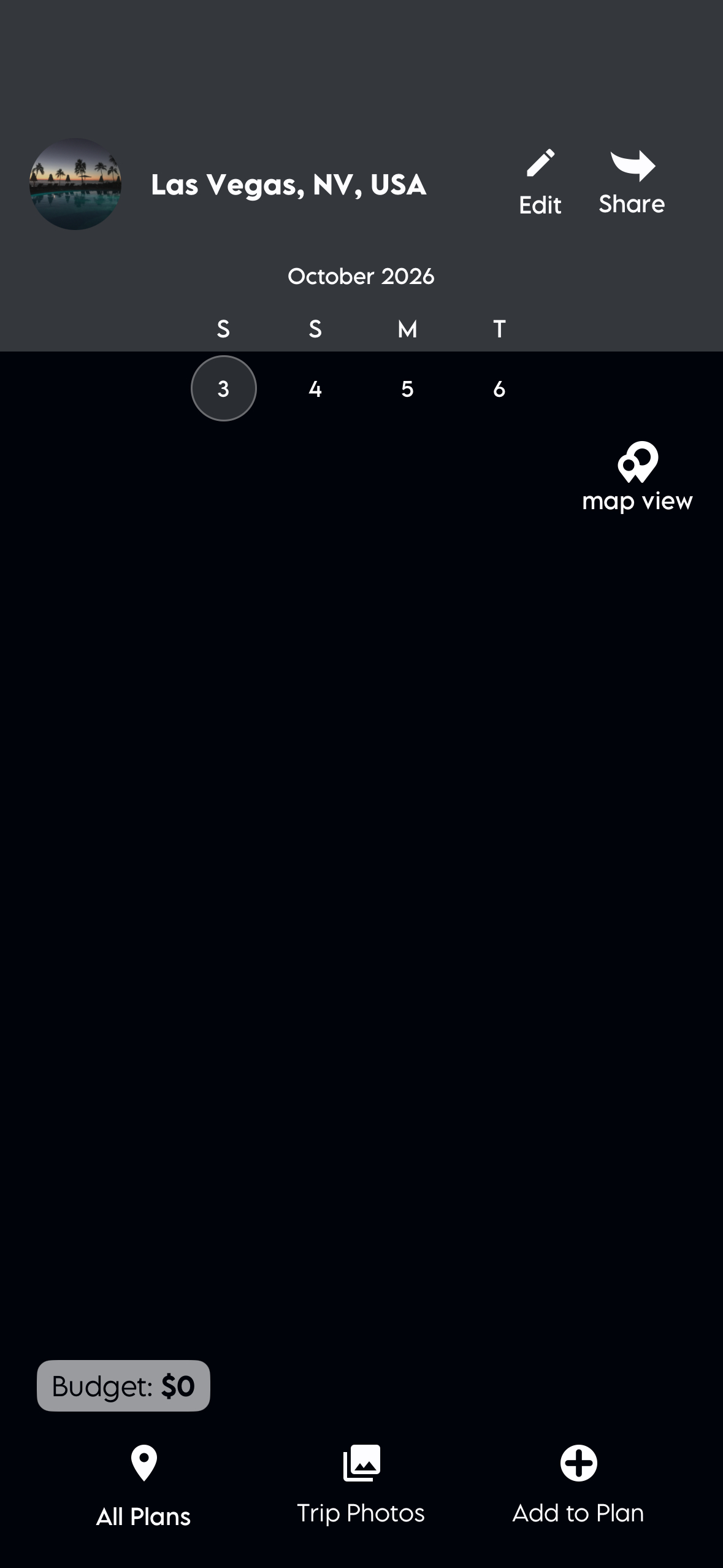
Select the first day of your plan on the month it begins, then move to the next month and select the last date of the plan.