
Which App Combines Travel Bookings Best?
October 21, 2026
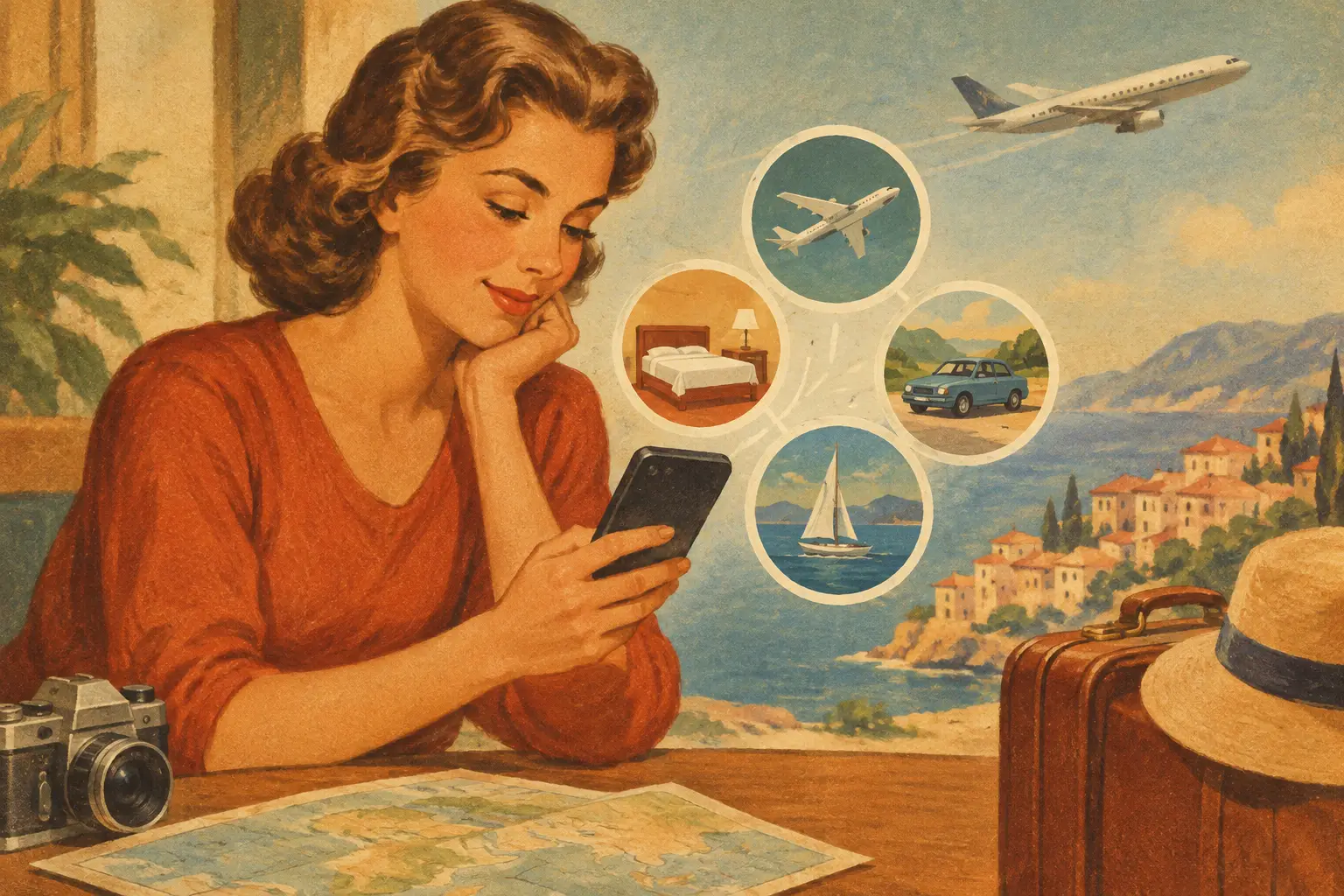
Your flight confirmation is in email, the hotel is in another app, restaurant saves are on a map, and the group chat is already losing track of who booked what. That is the real question behind which app combines travel bookings: not just where can you reserve a room, but where can your whole trip finally make sense.
For travelers planning city weekends, national park drives, family vacations, or multi-stop adventures, a useful travel app has to do more than sell inventory. It should bring the ideas, reservations, routes, people, and memories into one place that stays helpful from the first saved video to the ride home.
What “combines travel bookings” should actually mean
Many travel apps do one part of the job well. Flight sites help you compare airfare. Hotel apps make room selection easy. Map apps handle directions. Group chats keep everyone talking, at least until a key message disappears under 86 photos and a debate about brunch.
An all-in-one travel app earns its place on your home screen by connecting those pieces. You should be able to build an itinerary, add or book transportation and stays, map each stop, keep confirmations close by, and share the plan with the people coming along. Ideally, it also helps you move from “that place looks amazing” to a real, bookable stop on your route.
That distinction matters. A booking app can help you buy a ticket. A trip hub helps you understand what that ticket means for the rest of your day, your route, and your travel crew.
Which app combines travel bookings with trip planning?
The best fit depends on how you travel. If you take simple solo trips and only need a hotel and flight, a single-purpose booking site may be enough. But once you are coordinating multiple reservations, destinations, activities, or travelers, fragmentation starts costing time and creating avoidable mistakes.
Look for an app that combines these four stages: Plan, Book, Go, and Share. They are not separate chores. They are one connected experience.
Plan: turn scattered inspiration into a real itinerary
Planning often starts in too many places at once. You might save a beach bar from a creator’s reel, bookmark a museum, text your partner a hotel, and open 12 tabs for a road trip route. Those ideas are exciting, but they become useful only when they are organized by day, location, and travel time.
A strong app lets you add flights, lodging, rental cars, trains, buses, cruises, restaurants, activities, and landmarks to one itinerary. For route-based travel, it should also support the shape of the journey itself: the scenic road trip, biking route, hiking day, or string of small towns worth stopping for.
Mapping is especially valuable here. Seeing saved places on a map can reveal that your “quick coffee stop” is 40 minutes in the opposite direction or that three must-try restaurants are within blocks of your hotel. That is how a list of good ideas becomes a day you can actually enjoy.
Personalized recommendations can make the planning stage even better when they feel connected to your trip rather than random. If you are building a long weekend in Austin, suggestions should account for your neighborhood, timing, interests, and the places already on your itinerary.
Book: keep reservations connected to the bigger picture
Booking is where a lot of travel plans splinter. You reserve a flight in one place, a hotel in another, and tickets somewhere else. The purchases are complete, but the trip is not organized.
The right app makes booking part of the itinerary, not a detour away from it. When a reservation is added in the same space as your daily schedule and map, you can immediately see key details in context. Does your airport arrival leave enough time for the rental car pickup? Is the hotel close to the train station? Did you schedule dinner across town 20 minutes after a tour ends?
There is a trade-off to understand: no app can make every travel supplier, fare type, or reservation rule identical. Airline changes, cancellation policies, loyalty benefits, and availability still vary by provider. Before you tap book, review the terms that matter most to you. The value of a unified app is not pretending those differences disappear. It is keeping the decisions and details organized around the trip you are building.
For groups, shared visibility is a major win. Everyone can see the lodging address, departure time, reservation contact, and next stop without asking one person to become the unofficial travel help desk.
Go: use the itinerary when the trip gets real
A beautiful plan is only useful if it works while you are moving. On travel days, you need quick access to the information that matters: confirmation details, addresses, routes, timing, and the next activity.
This is where a mobile-first travel app shines. Instead of digging through an inbox at the airport or searching old messages for a booking number, your trip details live in one central view. Pull up the map, check the route, confirm the reservation, and keep going.
Flexible scheduling helps, too. Travel rarely follows the original plan perfectly. A delayed flight, sudden rain, sleepy kids, or an unexpectedly great hidden gem can shift the day. The best itinerary tools make it easy to adjust your plan, move an activity, and let your travel companions see what changed.
For a road trip or outdoor adventure, map-based planning can be the difference between a rushed day and a great one. You can spot logical stops, estimate drive time, group nearby activities, and preserve the places that made the route memorable.
Share: make the trip social before, during, and after
Travel is often better together, whether your crew is a partner, family, friends, or a community following a creator’s recommendations. Sharing should not require handing over the keys to every detail, though.
Choose an app with flexible sharing permissions so you can invite co-planners to contribute, send a view-only itinerary to relatives, or share selected highlights without exposing every reservation. That keeps collaboration easy while giving you control over the trip.
The sharing experience should also extend beyond logistics. The places you visited, routes you took, and photos you captured can become a visual travel story instead of a forgotten folder on your phone. For travelers who love Insta-worthy moments, that means you can document the journey as you go, not reconstruct it weeks later.
For creators, the opportunity is even bigger. A well-built itinerary can become a premium travel plan that followers can use as a starting point for their own trip. The best creator plans balance inspiration with practical details: where to stay, how to get around, what to book ahead, and which stops are worth the time.
Features worth checking before you choose
When comparing travel apps, skip the vague promise of “everything in one place” and test what that phrase means in practice. Can you organize multiple types of travel in a single itinerary? Can you visualize locations and routes on a map? Can you invite your crew and control what they can edit or view? Can bookings and confirmation details live alongside activities and daily plans?
Also consider the kind of trip you take most often. A resort weekend needs different tools than a cross-country road trip. A couple planning a food-focused city break may care most about saved restaurants and walkable maps. A family may prioritize shared details and a schedule that everyone can understand. Adventure travelers may need routes, drive-time awareness, and a clearer view of stops between trailheads.
Plan WeGo is designed around that connected experience, bringing itinerary creation, travel discovery, booking, mapping, collaboration, and trip sharing into one mobile-first space. The goal is simple: spend less energy coordinating tabs, screenshots, and messages, and more energy being where you planned to be.
Choose the app that supports the whole journey
The answer to which app combines travel bookings is not necessarily the app with the longest list of suppliers or the flashiest deal alert. It is the one that helps your trip hold together from the first saved idea through the final photo.
Start with your next real trip. Add the flight, the stay, a few places you are excited about, and the people coming with you. Once your bookings, route, and shared plan are finally looking at each other, the journey feels lighter before you even leave.